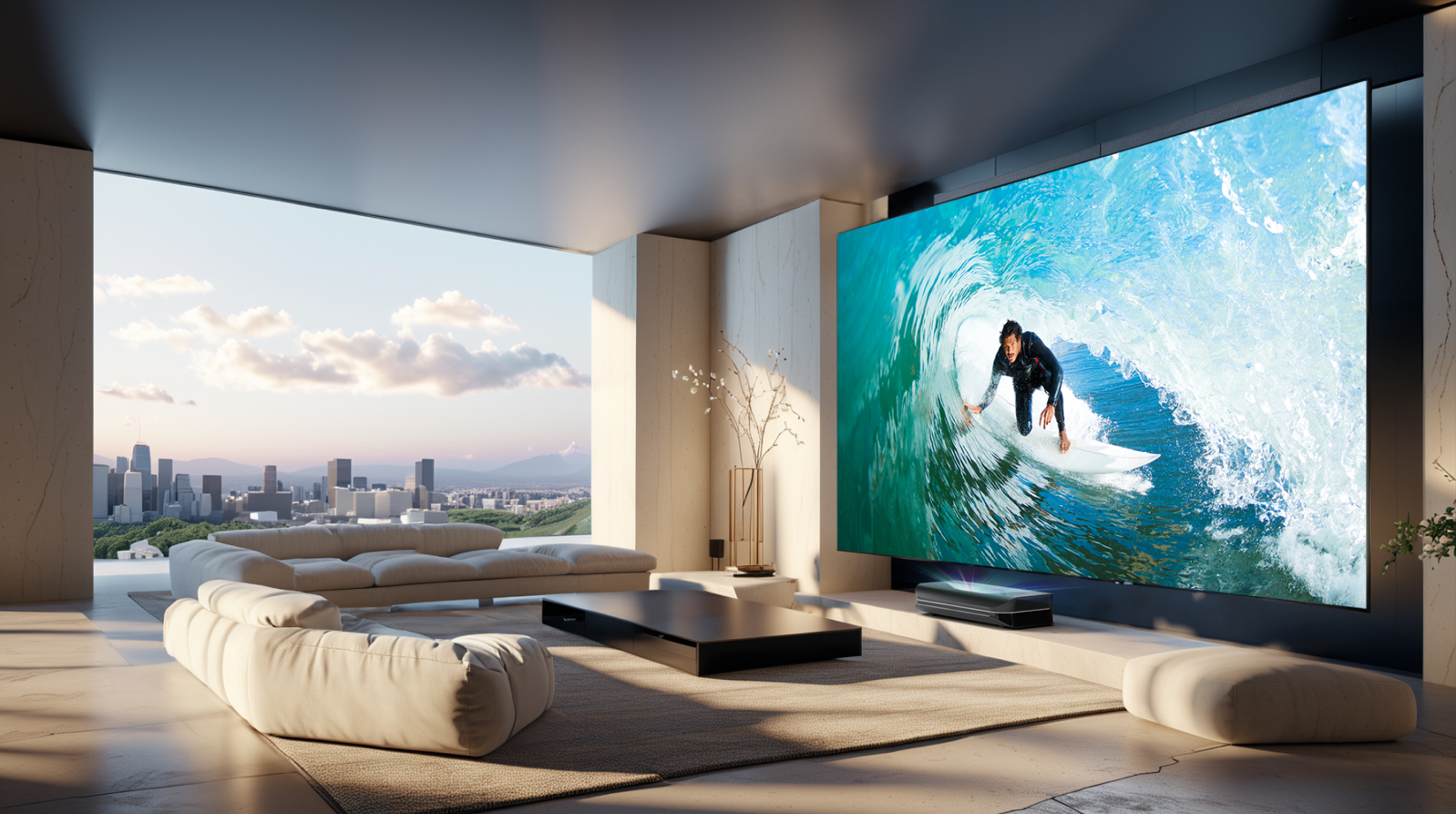


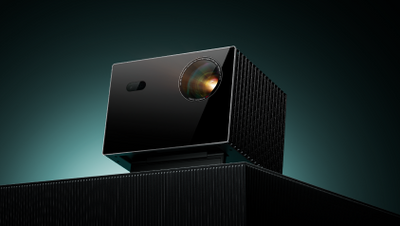


You’ve found the perfect projector, the speakers are chosen, and the excitement for your own home cinema is building. But now you’re facing one of the trickiest questions: What screen size is the right one?
100, 120, or even 150 inches – the choice can be overwhelming. Many people mistakenly believe that bigger is automatically better. But the truth is: the perfect projector screen size is a harmonious balance between your room, your seating position, and your projector.
This guide finally brings clarity. We give you a simple formula and all the expert tips you need to calculate the ideal screen size – for a truly cinema-worthy experience.
The golden rule: your viewing distance determines the size
For a moment, forget the inch numbers and complicated spec sheets. By far the most important rule when choosing the right projector screen is the viewing distance – that is, the distance between your eyes and the projector screen.
Think about a trip to a real movie theater: if you sit too close, you have to move your head to see everything, and the image feels tiring. If you sit too far away, you lose that impressive home cinema feeling. Your goal is to fill your field of view comfortably without overwhelming it.
How to calculate your ideal screen size – in 20 seconds
To convert the ideal distance into a concrete size, there is a proven formula from home theater practice. It is surprisingly simple:
Viewing distance (in cm) × 0.6 = Ideal screen width (in cm)
Example calculation: let’s say your sofa is 3.5 meters (i.e. 350 cm) away from the wall where the screen will hang.
350 cm × 0.6 = 210 cm
Your ideal screen width is therefore about 210 cm. With this number, you have the perfect starting point for your search for the right screen size.
From width to diagonal: common screen sizes in practice
You now know your ideal width. But screens are almost always sold in inches, which describes the diagonal size of the image. How does that fit together?
The following table translates your calculated width into common retail sizes. Simply look for the screen whose width best matches your result:
|
Diagonal (inches) |
Approx. width (cm) |
Ideal viewing distance |
|
90" |
approx. 200 cm |
approx. 3.3 m |
|
100" |
approx. 221 cm |
approx. 3.7 m |
|
110" |
approx. 243 cm |
approx. 4.0 m |
|
120" |
approx. 266 cm |
approx. 4.4 m |
|
130-inch screen |
approx. 288 cm |
approx. 4.8 m |
Table for a 16:9 format. Dimensions may vary slightly depending on the manufacturer.
This overview helps you find the standard screen size that fits your room perfectly.
The most common question: “Why not just take the biggest screen?”
That’s an excellent and completely logical question that almost everyone asks. If the projector can zoom the image, why not choose a larger screen for maximum compatibility with different content?
The answer is the key to truly good picture quality. Here are the two main reasons why calculating the right screen size is better than maximizing it:
Problem #1: The image becomes too dark
As the image area increases, a projector’s light output is spread over a larger surface. A screen that is too large therefore leads to reduced brightness per square meter – the image looks duller and less contrasty.
That’s exactly what happens to the light: the larger the image, the more the light is spread out, and image brightness (luminance) decreases. A correctly sized screen ensures that brightness and contrast ratio are used to their full potential.
Problem #2: The contrast effect from the frame is lost
The black border of your screen is more than decoration. It’s the picture frame for your movie experience. This border absorbs stray light and increases perceived contrast. Your brain is tricked into perceiving the image within the frame as sharper and more vivid.
If your projected image is smaller than the screen, it “floats” in a large, unused gray area. That is not only distracting, it also destroys this important contrast effect and the entire cinema illusion.
Modern solution for compact rooms: ultra-short-throw projectors
Maybe you’re thinking now: “My formula gives me a 120-inch screen, but my room isn’t long enough to place the projector that far back!”
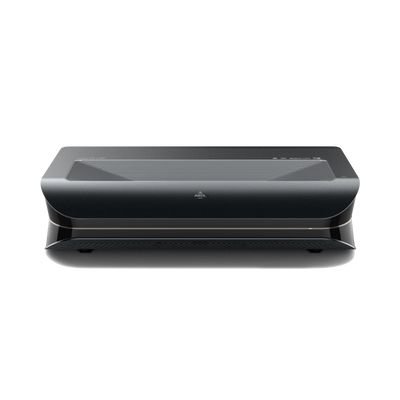
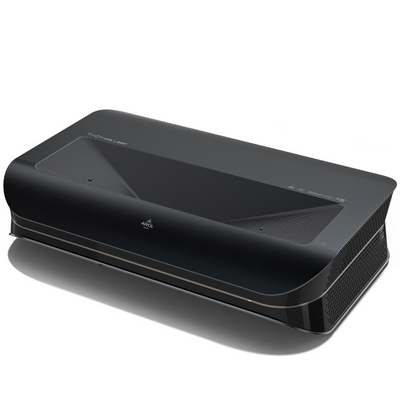
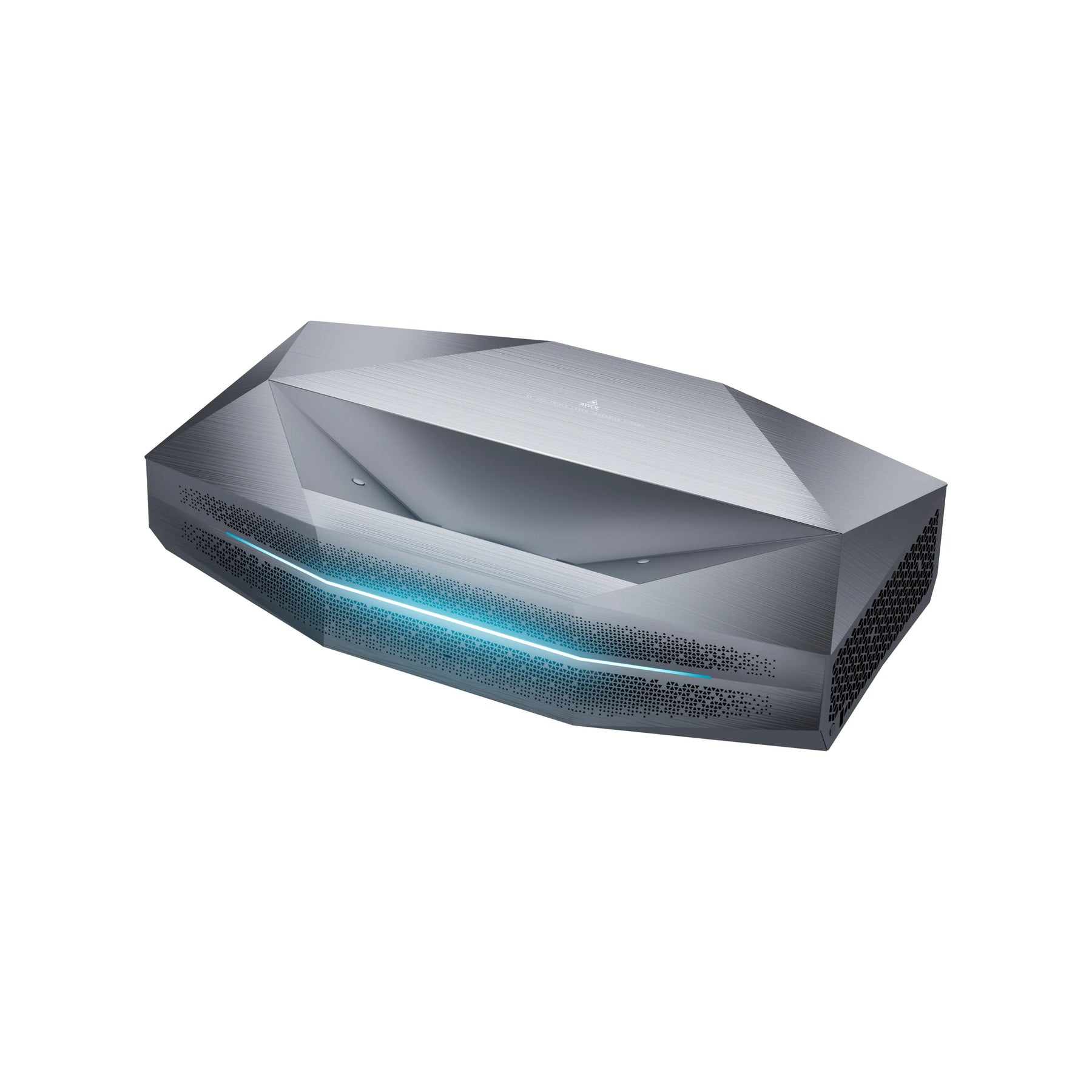
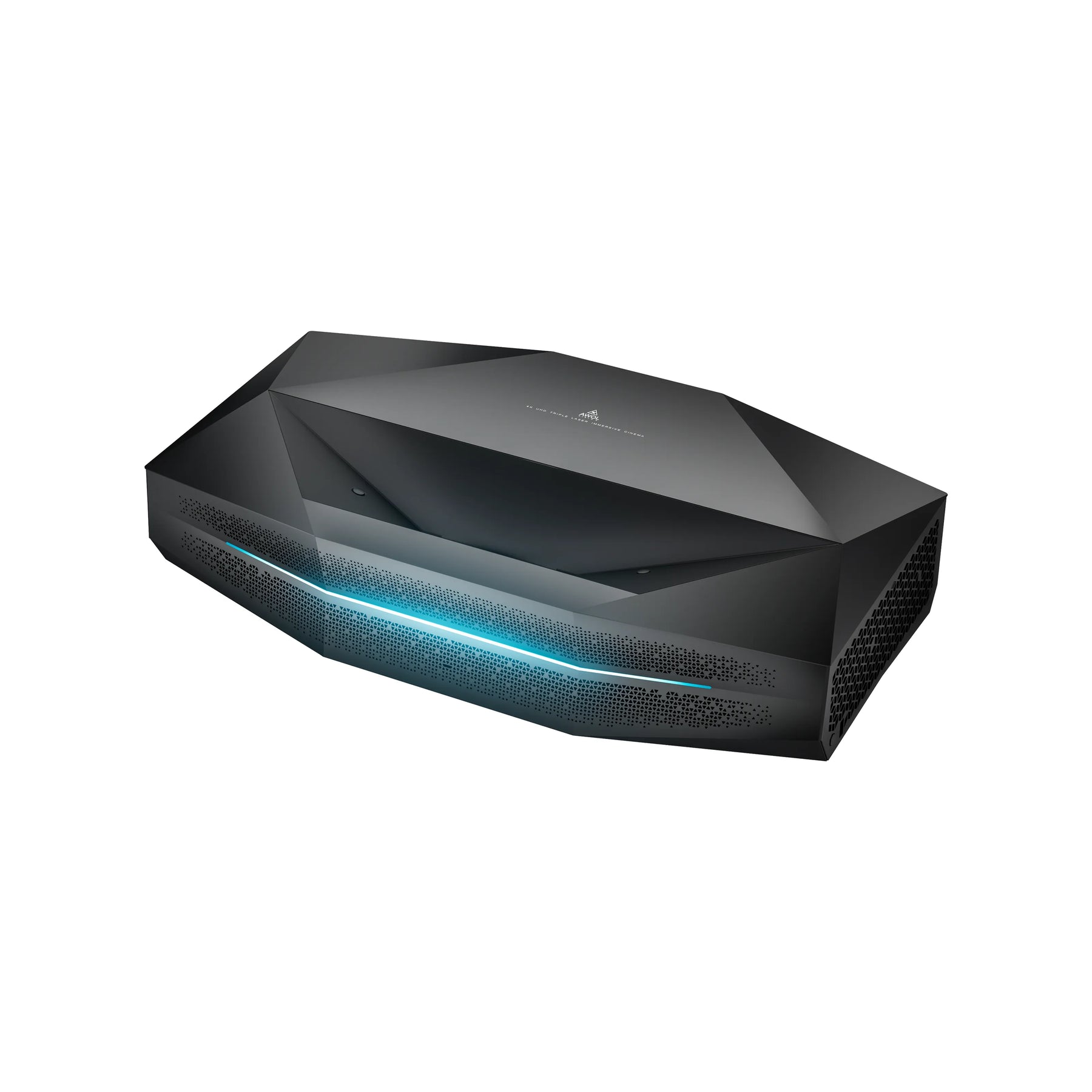
That’s exactly where an innovative technology comes in: the ultra-short-throw projector (UST), often also called a Laser TV. Unlike traditional projectors that need several meters of distance, UST units are placed directly in front of and below the screen on a lowboard – just a few centimeters from the wall.
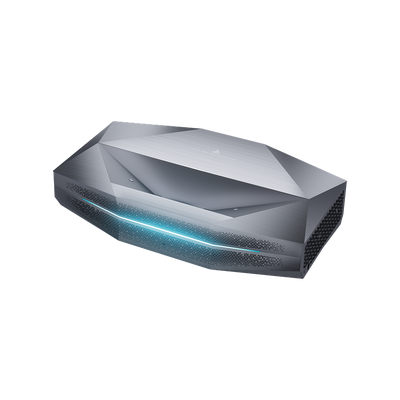
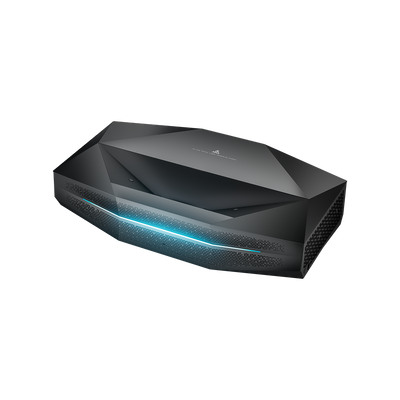
This technology has revolutionized home cinema. Modern ultra-short-throw projectors achieve impressive brightness levels of 3000+ ISO lumens and use advanced triple-laser light sources for brilliant colors and deep contrast. Premium models such as the AWOL Vision Aetherion Max and Aetherion Pro even support Dolby Vision and are specifically designed to illuminate even large screens in bright living rooms optimally.
The perfect match: ALR screens for optimal picture quality
A powerful Laser TV is only half the battle, especially in a bright living room. That’s where a special screen technology comes in: ALR screen (Ambient Light Rejecting).
Imagine an intelligent surface designed to absorb up to 80% of the light from ceiling lamps or windows and reflect only the light from the ultra-short-throw projector placed below it back to your eyes. The result is a high-contrast, vivid image that rivals a premium TV, even when the room is not completely dark.
The AWOL Vision Cinematic ALR screens are a perfect example of this technology. They were specifically developed for use with UST projectors and maximize picture quality through their unique surface structure. This synergy between an AWOL Vision projector and a matching ALR screen ensures that you get the maximum performance from your setup.
Checklist: other factors for the perfect screen size
In addition to distance, there are a few more important points to consider:
Projector brightness (lumens): Do you have a particularly bright projector with 2500+ lumens? Then you have a little more room to go larger and can also illuminate a bigger screen size brilliantly.
Resolution (4K vs. Full HD): With a 4K projector, you can sit a little closer to the screen without seeing pixels. That could allow you to choose a slightly larger screen than the formula suggests.
Ambient light: In a living room that isn’t fully darkened, a slightly smaller but brighter and more contrast-rich image often looks more impressive than a huge, washed-out one.
Ceiling height: Don’t forget the vertical dimension – a 130-inch screen is about 1.6 meters high and needs accordingly enough space above and below.
Multiple seating positions: Do you have different seats? Use the average distance or the most common seating position as your guide.
Conclusion: your perfect screen size in 3 simple steps
Choosing the right projector screen size is not a science project, but a simple, methodical approach. With this knowledge, you can calculate screen size and be perfectly prepared for your decision:
-
Measure: Determine the exact distance from your preferred seating position to the wall.
-
Calculate: Multiply this value in cm by 0.6 to determine your ideal screen width.
-
Choose: Compare your result with our table and select the screen diagonal that best matches your calculated width.
Remember: modern ultra-short-throw projectors and ALR screens open up entirely new possibilities for your home cinema, even in compact or bright rooms. The right projector screen size and distance, combined with the right technology, guarantees unforgettable movie nights in cinema quality.
That’s how you’re guaranteed to find the perfect size for your own home cinema experience.
FAQ about the right screen size
How do you calculate the right screen size?
The easiest method is the viewing-distance formula: measure the distance between your seating position and the screen in centimeters and multiply that value by 0.6. The result is the recommended screen width. For a viewing distance of 350 cm, for example, the ideal screen width is about 210 cm.
How big is a 100-inch screen?
A 100-inch screen in a 16:9 format is about 221 cm wide. The exact height and width may vary slightly depending on the manufacturer, but this size is especially well suited for small to medium-sized home cinema rooms. As a rough guideline, a 100-inch screen fits a viewing distance of about 3.7 meters.
How big is a 120-inch screen?
A 120-inch screen in a 16:9 format is about 266 cm wide. It is one of the most popular sizes for modern home cinemas because it offers a much larger image than a TV without feeling too dominant in many living rooms. It is ideal at a viewing distance of about 4.4 meters.
Which screen size is best for a projector?
The best screen size depends mainly on viewing distance, room size, projector brightness, and resolution. For many home cinemas, 100 to 120 inches is a good range. Anyone using a bright 4K projector or an ultra-short-throw projector can also choose larger formats, but should make sure the image does not become too dark or tiring on the eyes.
Is a larger screen always better?
No, a larger screen is not automatically better. If the screen is too large, the projector’s light is spread over a bigger area, which can make the image look darker and less contrasty. In addition, a too-large image can be uncomfortable at a short viewing distance. What matters is a balanced combination of image size, distance, and room light.
Which screen size is suitable for an ultra-short-throw projector?
An ultra-short-throw projector is especially well suited to large screen sizes in compact rooms because it is placed directly in front of the wall or screen. Common sizes are 100, 120, or 130 inches. For bright living rooms, a matching ALR screen makes sense because it reduces ambient light and improves the contrast of the projected image.