
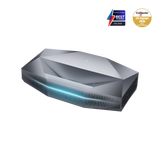
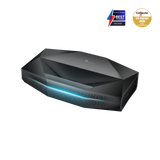
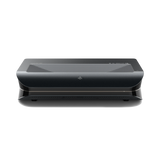


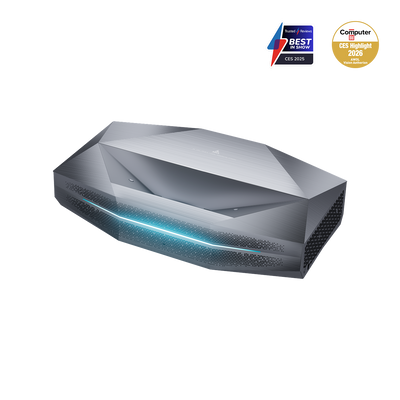

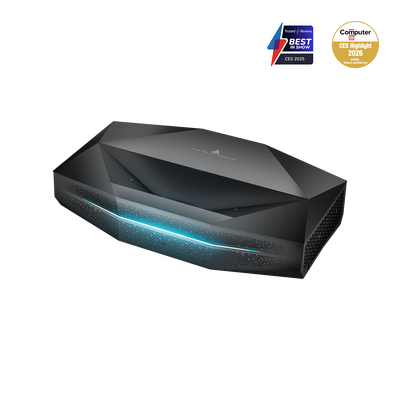

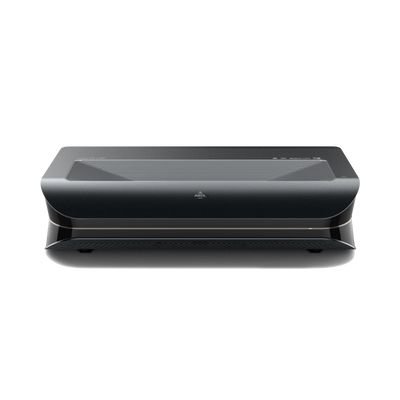
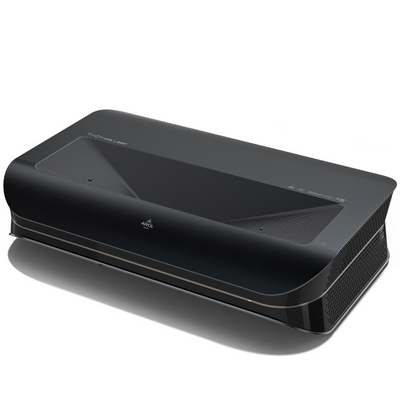
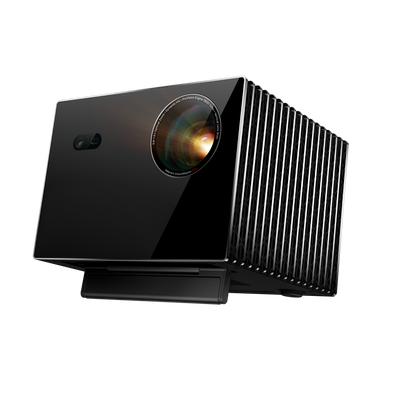


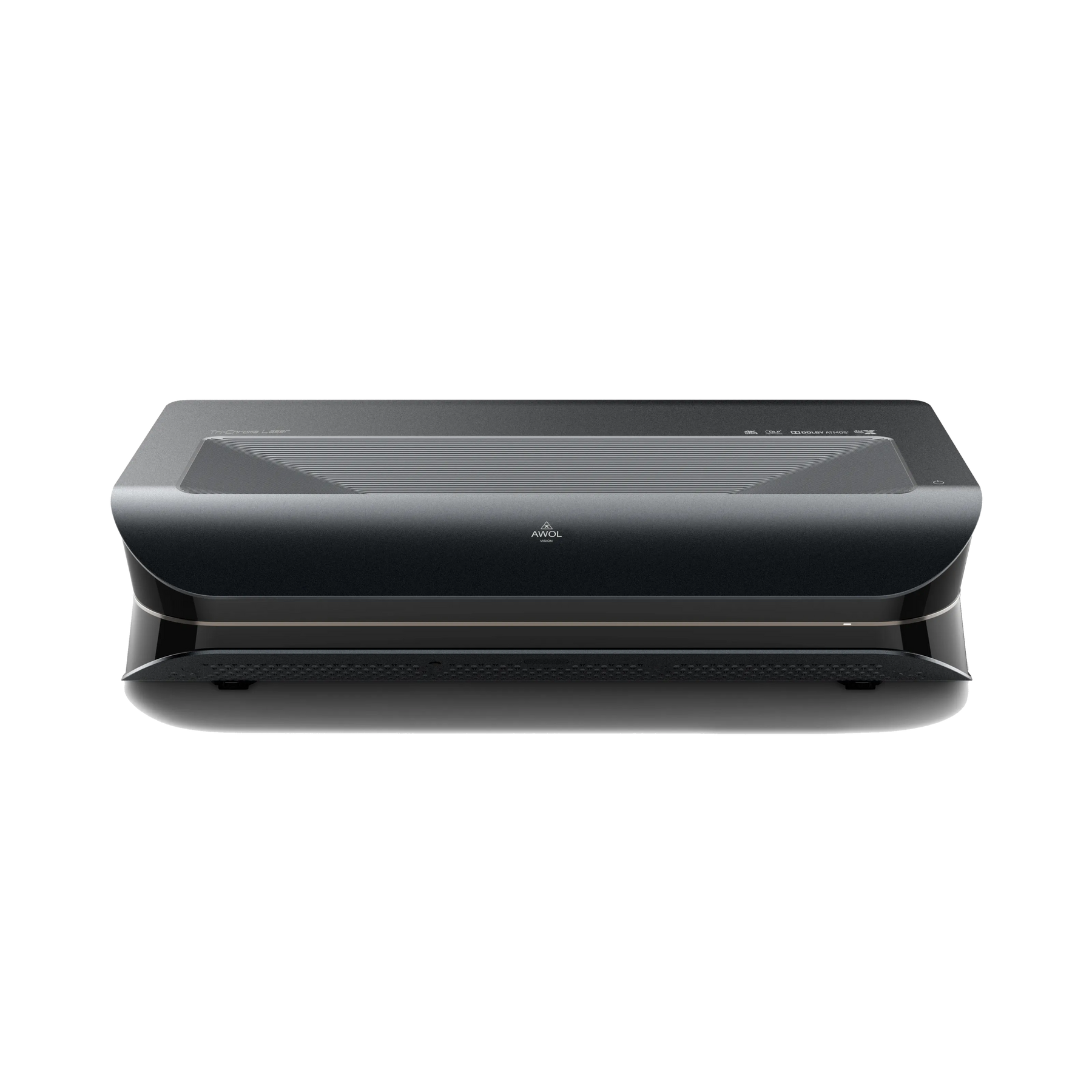
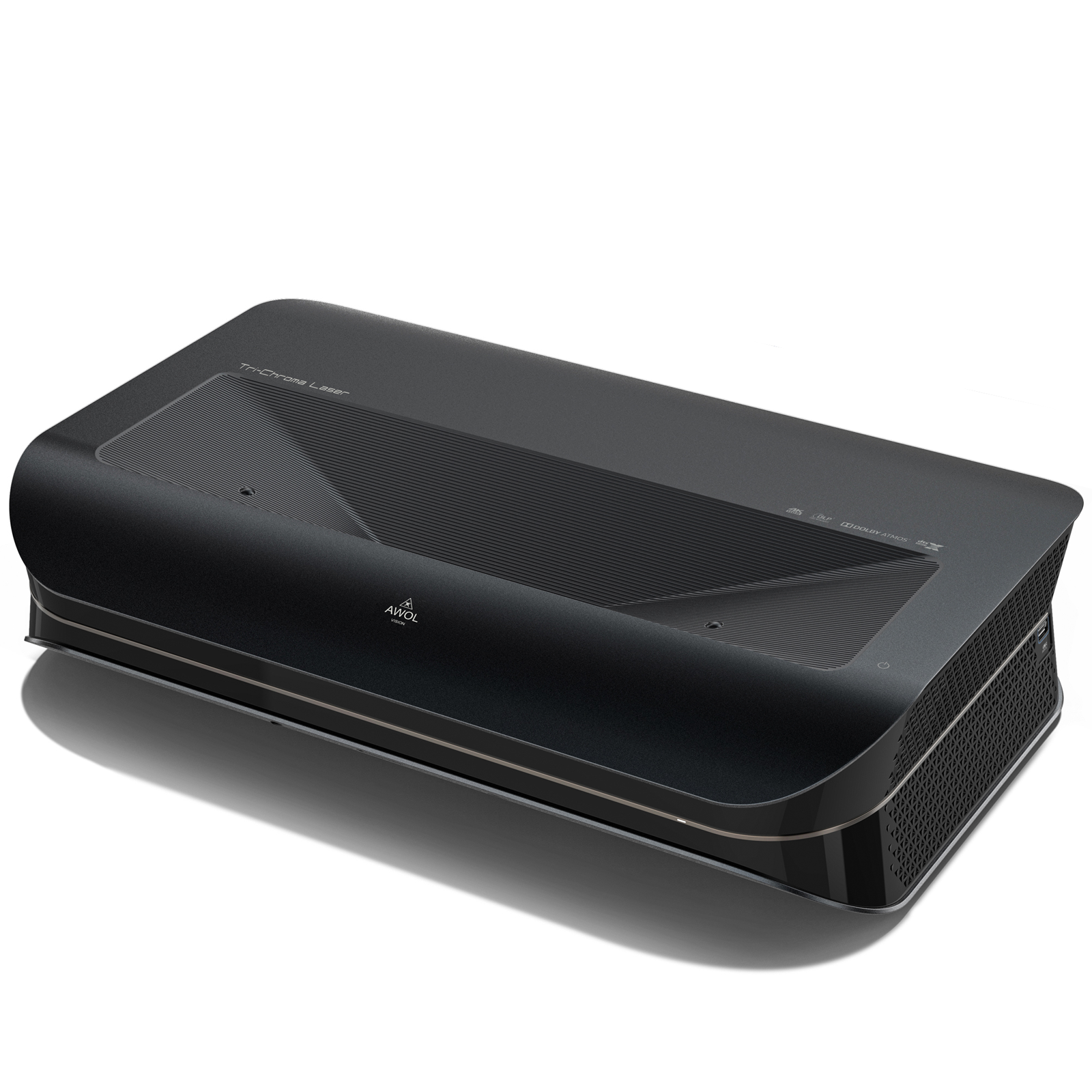


4K 3D Triple Laser Projector LTV-3000 Pro


The best all-rounder
The most adaptable 4K 3D
RGB Laser TV


Bring the cinema experience
in your home


Nearly perfect sharpness, even at 150"
In the upper corners of the image, sharpness and clarity are almost perfect.


One billion+ colors
The color palette and color behavior are flawless
reproduced, whether for SDR or HDR content.


Dolby Vision
With Dolby Vision, the AWOL is the only one,
RGB UST projector on the market that supports Dolby Vision,
HDR 10+, Dolby Atmos, and Active 3D are offered.


Smart Home
AWOL Vision is now seamlessly integrated with Control 4
integrated. Control the performance of the projector,
the volume, the HDMI source switching and
much more easily via Control 4.


Specification
Our suggestion
FAQ
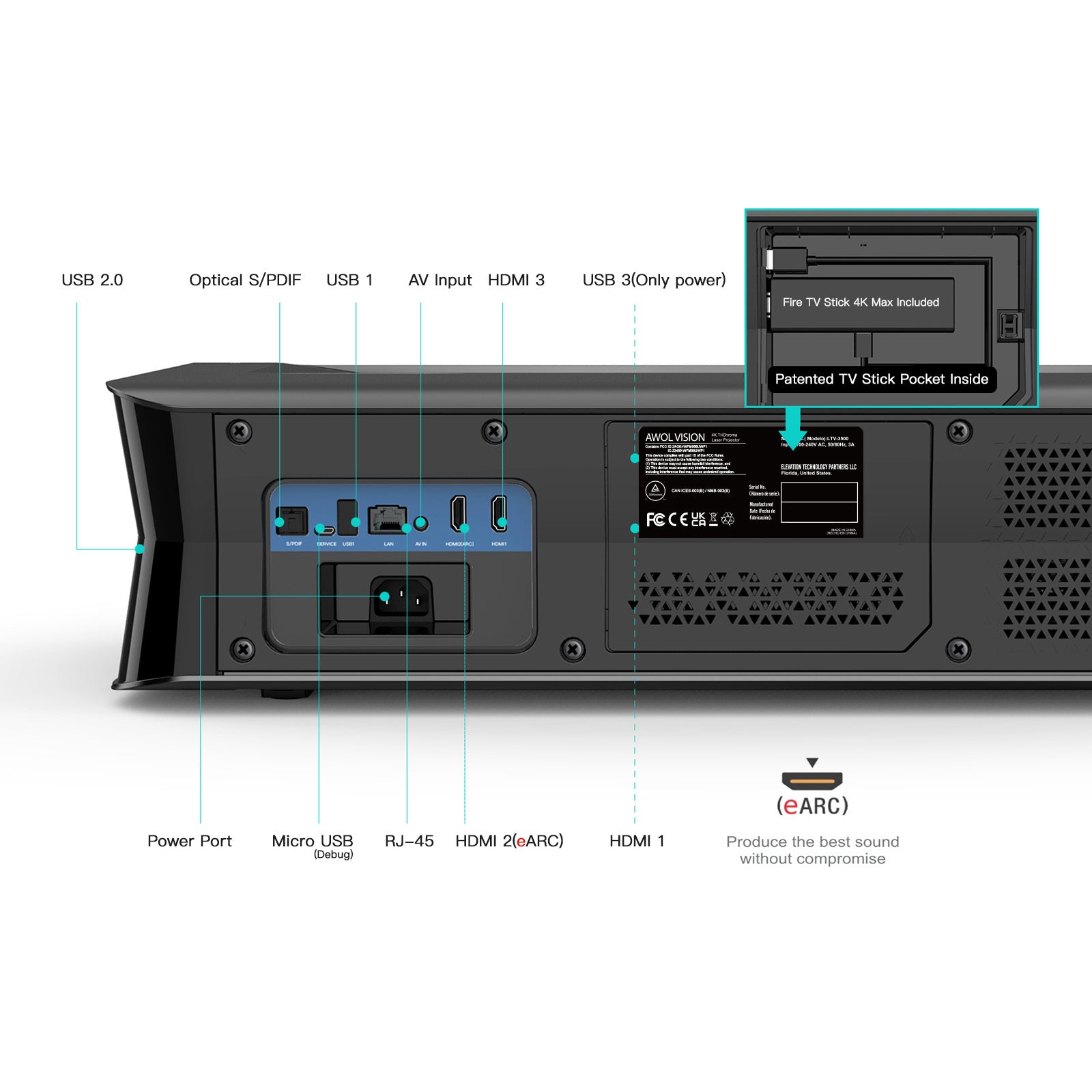
The LTV‑3000 Pro TV projector features HDMI 2.0b ports that support 4K resolution at 60 Hz. This makes it easy to play Ultra HD content from sources such as Blu-ray players, streaming devices, gaming consoles, or computers—ideal for a high-quality home theater with crystal-clear 4K images.
The projection distance is largely determined by the throw ratio and the desired image size. A low ratio (e. g. 0,25 :1) allows the device to be placed very close to the wall—for an 80-inch screen, e. g. as close as approximately 15 cm (0,5 ft).
For 3D movies, a viewing distance of about 1 to 2 times the image width is recommended. Sitting too close can cause eye strain and make the 3D experience uncomfortable; sitting too far away reduces the immersive effect. For example, with a 100 inch-wide 3D projection, you should sit approximately 100 to 200 inches away.
Yes, all AWOL Vision 4K TV projectors support Bluetooth. This lets you pair your device with a Bluetooth speaker or headphones, for example. Follow these steps:
1. Settings → Bluetooth → Management
2. Activate pairing mode on your Bluetooth device
3. Select “Add device” and pair
The LTV‑3000 Pro TV projector offers 8‑point keystone correction for flexible placement without having to position the projector precisely. To enable it: Settings → Light → Manual Correction.
To connect your smartphone or tablet to the LTV‑3000 Pro TV projector, select “Screen Sharing” from the main menu, scan the QR code displayed, and use the “EShare” app to wirelessly mirror your mobile device’s screen to the projector over your home Wi-Fi network.
