





You have invested in a high-quality 4K laser projector to experience true cinema at home. You start a blockbuster, expecting brilliant colors and dazzling highlights — but instead, the image looks unexpectedly dark. Details in shadow areas are hardly visible, and bright clouds look like featureless white patches.
Frustrated, you search the settings and come across the term Dynamic Tone Mapping. In forums, some “purists” recommend turning it off for a natural image. Others strongly recommend enabling it.
The truth is: most advice online refers to OLED TVs, not projectors.
In this guide, we technically explain exactly what Dynamic Tone Mapping (DTM) does, why it is often crucial for ultra-short-throw projectors (UST), and how to set it optimally for movies and gaming.
What is Tone Mapping? (Simply Explained)
Before we talk about “dynamics,” we need to understand the basic problem.
HDR films (High Dynamic Range) are mastered in studios on reference monitors that can reach extreme brightness levels — often 1,000, 4,000, or even 10,000 nits (cd/m²). Most home theater projectors (and many TVs too) cannot physically display this peak brightness.
If your projector were to display the signal unchanged, it would result in what is known as Clipping: Anything brighter than the projector’s maximum output would simply be shown as pure white. Cloud structures or details in an explosion would be lost.
Tone mapping acts here as a “translator.” It converts the film’s extreme brightness range so that it fits within the displayable range of your projector. The goal is to preserve details in both the brightest highlights and the deepest shadows as well as possible.
Basic knowledge: Still unsure about the difference between older TV standards and the new technology? Read our guide to SDR vs. HDR in Home Cinema.
The problem: Why is the HDR image often too dark?
The most common criticism of HDR projection is an image that is subjectively too dark. This is often due to the way tone mapping works.
Static Tone Mapping (The old standard)
The standard format HDR10 uses static metadata (e.g. MaxCLL and MaxFALL), which applies to the entire film. The projector must derive a single tone-mapping curve from this for the full runtime.
- The disadvantage: The projector has to make compromises. If it optimizes the curve for a very bright beach scene, a dark cave scene later in the film is often shown too dark. The image appears weak.
Dynamic Tone Mapping (The modern solution)
Dynamic Tone Mapping (DTM) works more intelligently. It continuously adapts the tone-mapping curve — often scene by scene or even frame by frame (depending on the manufacturer).
- The advantage: It is as if the brightness control were readjusted for every moment. In dark scenes, the curve is adapted to make shadow details visible; in bright scenes, it is corrected to avoid overexposure.
Important note: With formats such as Dolby Vision or HDR10+ dynamic metadata is already available to control tone mapping precisely. Here, the projector does not have to “guess” but follows defined guidelines. However, tone mapping still takes place to adapt the image to the hardware.
The “projector factor”: Why TV tips often do not apply here
In many hi-fi forums, you will read: “Turn off dynamic image enhancers so the image is not distorted.”
This advice is usually correct for OLED TVs in completely dark rooms. For projectors, in practice, it is often counterproductive.
A projector does not emit light like a TV; it projects reflected light onto a screen measuring 100 to 150 inches. As a result, luminance (cd/m²) across the large surface is physically lower than on a TV.
Without Dynamic Tone Mapping, HDR often looks too dark on the large screen because the projector holds back brightness reserves for highlights that it can hardly display. So with projectors, DTM is often not an “artificial effect,” but a necessary compensation, to preserve image impact and detail visibility.
Gaming special: HGiG or DTM?
Gamers often face a dilemma: maximum visibility (to see opponents in dark corners) or maximum signal accuracy?
Option 1: Dynamic Tone Mapping (DTM)
- Pro: Actively brightens shadow areas and creates a high-contrast image. Ideal for games in rooms with residual light or competitive shooters.
- Con: Since the projector performs image processing, this can increase the Input Lag (input delay), depending on the model and mode.
Option 2: HGiG (HDR Gaming Interest Group)
HGiG aims for the display to largely disable its own tone mapping and rely on the console’s HDR calibration.
- Pro: High signal fidelity and often lower input lag, since less image processing takes place.
- Con: On projectors, the image with HGiG often looks darker than desired, since many games are primarily optimized for brighter TV displays.
Practical example: Dolby Vision Gaming
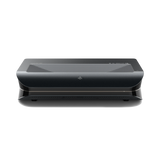
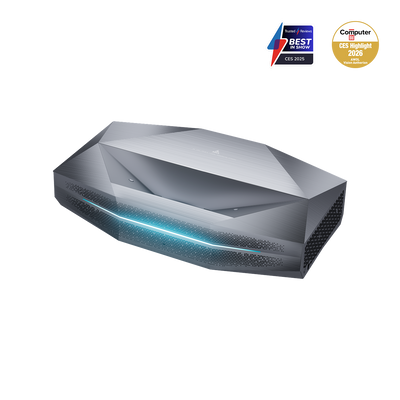
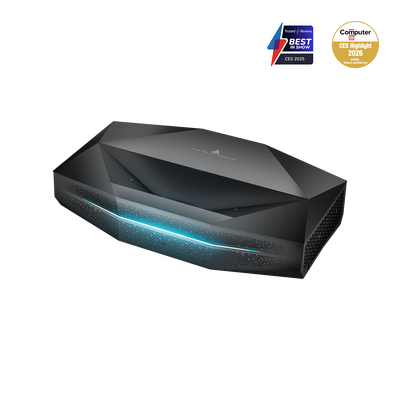
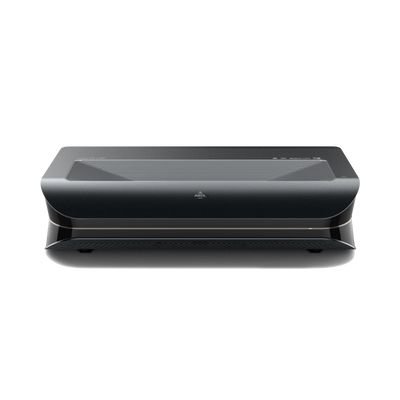
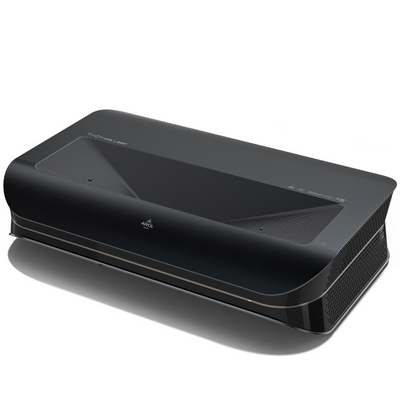
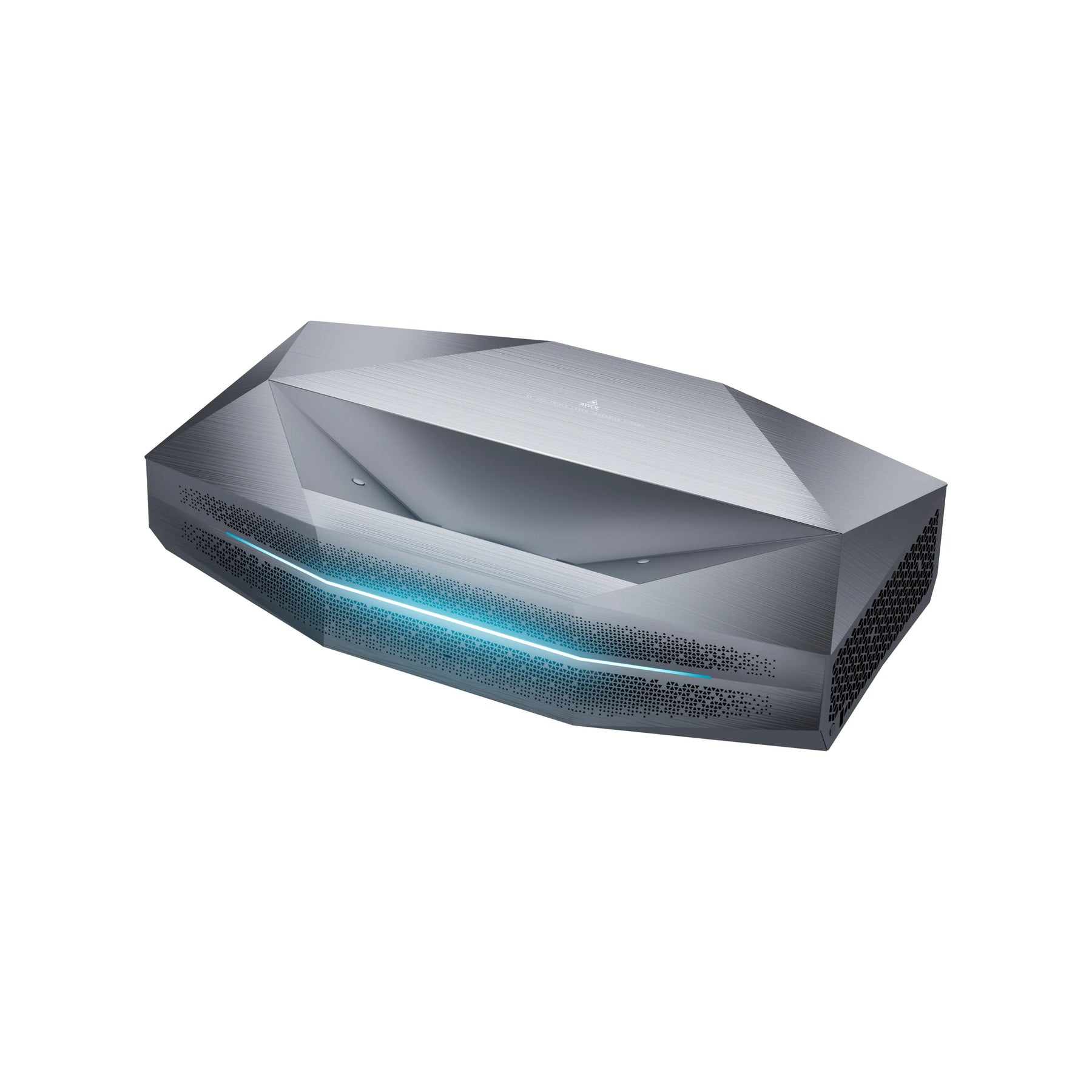
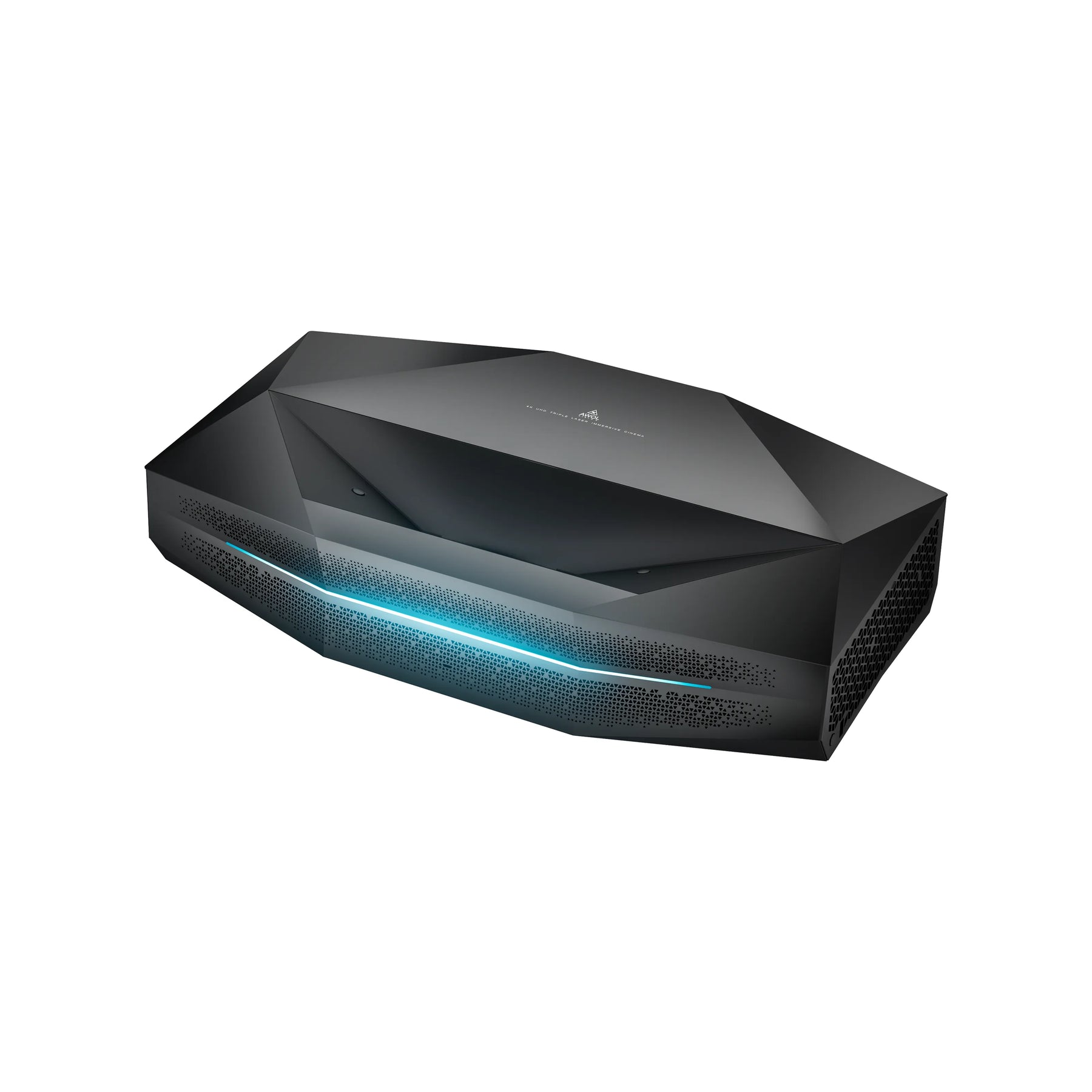
Some modern projectors, such as the AWOL Vision Aetherion Max & Pro, support Dolby Vision for Gaming (e.g. on Xbox Series X). In this setup, the console provides dynamic metadata, enabling precise control without aggressive display-side DTM. AWOL specifies an input lag in the 1 ms range for the Aetherion in the corresponding mode (at 240 Hz) as well as VRR/ALLM support (manufacturer specifications).
The hardware basis: Why software alone is not enough
An algorithm can only perform as well as the hardware that runs it. A DTM algorithm on a projector with weak light output often produces nothing more than a washed-out gray image. For real HDR, two physical properties are crucial:
- Light reserves (lumens): For highlights (such as spotlights or stars) to shine, the projector needs brightness. The Aetherion Max is specified at 3,300 ISO lumens, for example (Aetherion Pro: 2,600 ISO lumens), which gives tone mapping more room to work with (“headroom”).
- Native contrast: Tone mapping often has to brighten dark areas. If the projector does not have good black levels, black turns into dark gray. High native contrast (AWOL cites, for example, 6,000:1 for the Aetherion) ensures that even brightened shadows retain depth.
Checklist: The optimal settings for your home cinema
To get the most out of your laser projector, we recommend the following basic settings as a starting point:
- Picture mode: Start with Filmmaker Mode or “Cinema.” These usually provide the most neutral color tuning.
- Tone mapping:
- For HDR10 films: Set “Dynamic Tone Mapping” to ON (or “Medium/High,” depending on room brightness).
- For Dolby Vision / HDR10+: This setting is often controlled automatically, as the metadata drives the mapping.
- Screen: HDR benefits greatly from a high-contrast screen (ALR/CLR). This improves black levels in non-optimized rooms, which makes the tone mapping’s job easier.
Common misconceptions about DTM
- “DTM always distorts the image.” No. With projectors, it is often necessary just to make the image visible at all (“visibility over accuracy”).
- “There is no tone mapping in Dolby Vision.” There is, but it is much more precise because it is controlled by dynamic metadata and not based on the projector’s guesses.
- “More lumens automatically mean better HDR.” Not by themselves. Without good contrast and clean tone mapping, many lumens often just look “milky.”
FAQ: Common questions about HDR tone mapping
Why is my image brighter in Dolby Vision than in HDR10?
Dolby Vision uses dynamic metadata. Each scene is adjusted for brightness. With standard HDR10 without activated DTM, the projector often orients itself to the brightest values of the entire film, which can cause darker scenes to be dimmed unnecessarily.
Does Dynamic Tone Mapping increase input lag?
Yes, additional image processing can take time. For gaming, always use your projector’s dedicated Game Mode , which disables unnecessary processing steps (except for the necessary tone mapping).
Which is better: HDR10+ or Dolby Vision?
Technically, both work dynamically. Dolby Vision is more widely used (Netflix, Disney+, Xbox). Devices that support both formats (like the Aetherion) offer the greatest flexibility here.