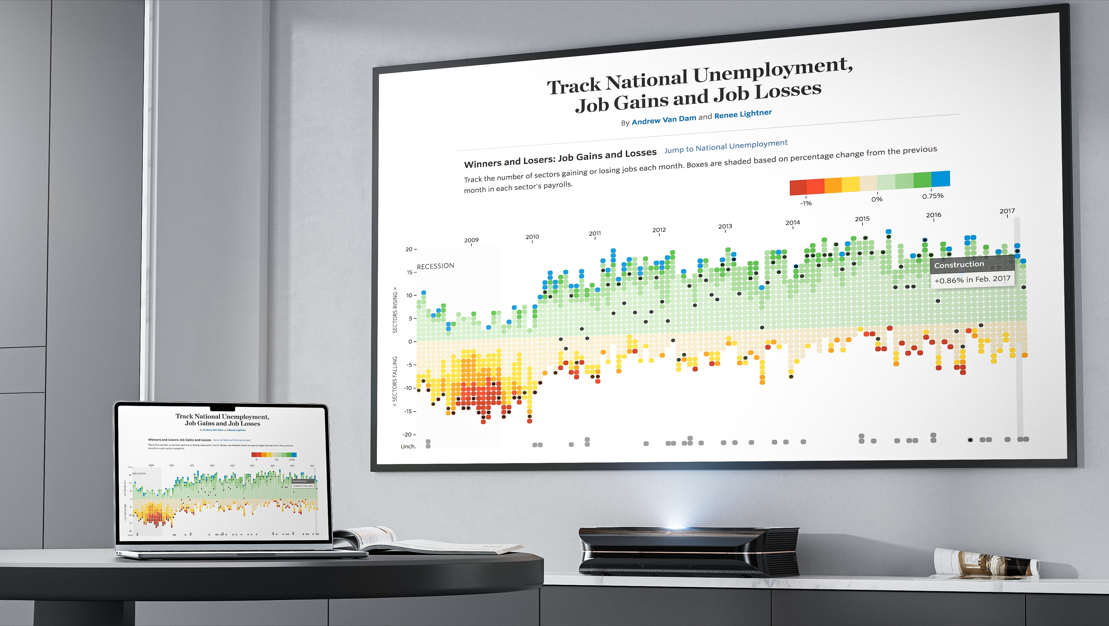




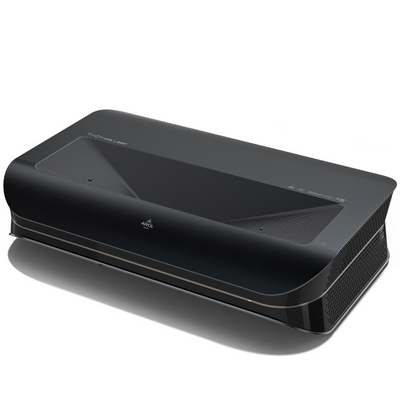
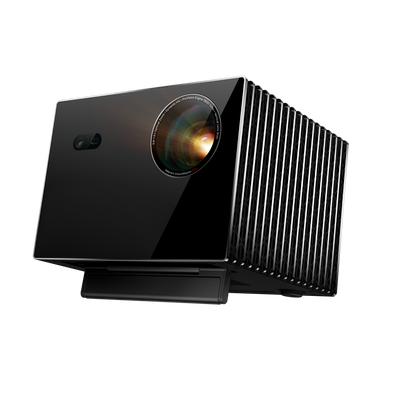


You’ve invested in a great projector to finally bring a real movie-theater feel into your home. But now you’re facing the next challenge: the screen.
It can be frustrating. You find yourself facing a jungle of technical terms like "gain factor," "ALR," "tension," and "UST." Prices range from under €100 to several thousand euros. Where do you even start? And maybe plain white woodchip wallpaper is enough after all?
This guide is your roadmap. We will lead you step by step from this confusion to a clear decision. We decode the jargon and show you how to Find a canvas, which unlocks the full potential of your projector and fits your room perfectly. If you have not yet chosen the projector itself, you should first determine which brightness, resolution, light source, and projection type you need. Our Projector Buying Guide `
Here is a quick overview to help you grasp the key differences at a glance. You’ll find details on each point further down in the article.
Quick overview: The 4 most important canvas types compared
|
Canvas type |
Ideal for... |
Flatness (image quality) |
Price Category |
|
Frame screen |
Dedicated home theaters (permanent installation) |
Perfect (Always tightly tensioned) |
Medium - High |
|
Roller Projection Screen (Manual) |
Occasional use & small budgets |
Gering (Prone to waves & creases) |
Low |
|
Motorized screen (tensioned) |
High-quality living rooms (retracts at the push of a button) |
Very Good (Thanks to lateral rope tension) |
High |
|
Special Canvas (UST-ALR) |
Light living rooms with laser TVs (UST projectors) |
Excellent (Actively filters stray light) |
High - Very High |
More than just a white wall: Why a screen is indispensable

Let’s start with the most common question: "Wouldn’t a smooth, white wall do just as well?"
In short: no, if image quality matters to you. Even the smoothest wall has a texture that scatters light uncontrollably. A woodchip wallpaper is even more problematic. The result: colors look faded, details blur (especially at a high 4K resolution) and the black level is more of a murky gray.
The most important, often overlooked factor is the Site plan. A screen is designed to provide a perfectly flat surface. Wrinkles, waves, or "ears" (curling edges), as found in cheap solutions, distort the image geometry and make fine details blurry.
A dedicated screen is a specially developed optical surface that reflects light precisely, maximizes contrast, and reproduces colors as the director intended.
The 4 Main Types of Canvas: Which One Suits You?
The first major decision concerns the design. This depends almost entirely on your room and how you intend to use it.
Type 1: Fixed-frame screen (The permanent home cinema solution)
A fixed-frame screen is like a painting mounted permanently on the wall. The screen fabric is permanently stretched over a rigid frame.
- Benefits: Offers the best possible, permanently perfect flatness. Often fitted with a black velvet frame that absorbs stray light and increases perceived contrast.
- Disadvantages: It is always visible and permanently takes up wall space.
- Ideal for: Dedicated home cinema rooms in which the screen can be a central design element.
Type 2: Pull-Down Projection Screen (The Flexible Classic)
This is the classic screen that is manually pulled down from a casing on the ceiling or wall.
- Benefits: Disappears completely when not in use, leaves the wall clear, and is usually the most affordable option.
- Disadvantages: Strong tendency to develop waves and curling edges ("ears") over time. This lack of flatness significantly impairs image sharpness.
- Ideal for: Occasional use, conference rooms, or budgets where price is more important than perfect image quality.
Type 3: Motorized Screen (Comfort Meets Integration)

Similar to a pull-down projection screen, this one extends at the touch of a button (remote control or trigger). High-quality motorized projection screens are often "tension" or "cable-tension" screens.
- Advantages: Very high comfort. Tension systems use side cords to actively pull the fabric taut, ensuring a much better fit than with standard roller blinds.
- Disadvantages: Needs a power connection, more expensive than manual versions.
- Ideal for: High-quality living room home cinemas where the screen should be integrated invisibly, without compromising on flatness.
Especially innovative models are so-called Floor-Rising Screensthat, when needed, rise up from a slim floor-standing case. This is ideal when ceiling or wall mounting is not possible.
Type 4: Tripod & portable screens (For on the go)
These canvases are designed for transport.
- Benefits: Maximally portable for presentations or movie night in the garden.
- Disadvantages: Lack of stability and often the poorest flatness.
- Ideal for: Everything except a serious home theater setup.
Understanding the projection screen fabric: gain, color, and contrast
After choosing the design, comes the most important part: the fabric. This is what determines how good your image really looks.
What is the gain factor? (And why 1.0 is often perfect)
The gain factor (luminance factor) measures how strongly a screen reflects light compared with a standardized white reference surface.
- 1.0 (Matte White): This is the universal standard. The screen reflects light evenly in all directions (wide viewing angle) and has neutral color reproduction. In a darkened room, this is often the best choice.
- >1.0 (High-Gain): Amplifies the light and makes the image brighter. The downside: the viewing angle becomes smaller, and "hotspots" (visibly brighter patches) can occur.
- <1.0 (Gray/Contrast): These fabrics "absorb" light to improve black levels. They are a good compromise for living rooms with slight ambient light.
White, Grey or Black? The Fabric Colour and Your Room
- White cloths (Gain 1.0 - 1.2): The first choice for dedicated, completely darkened home theaters. Here they can fully realize their potential in color accuracy and brightness, which is especially important for content in HDR in Home Theater is decisive.
- Gray cloths (gain <1.0): These "high-contrast screens" are the classic trick for living rooms. They absorb some of the ambient light and improve black levels, since "black" on a screen is simply the absence of light.
The Revolution in the Living Room: ALR & CLR Contrast Screens
For most people, a completely dark "home theater basement" isn't an option. We want to watch in the living room, in dim light or even during the day. This is where modern technologies come into play.
The problem: ambient light is the enemy of contrast
Scatter light from windows (side) or ceiling lights (above) hits the screen and brightens the entire image. The contrast collapses, and the image looks flat and washed out.
The solution: ALR (Ambient Light Rejecting) screens
ALR screens are a technological masterpiece. They are no longer passive reflectors, but active optical filters.
They feature a special surface structure (e.g. microscopically small lamellae or lenses) designed to actively capture ambient light from above or the sides reject or to absorb. At the same time, the light coming from the projector is directed specifically toward the viewer reflected.
The result: An astonishingly high-contrast, vivid, and TV-like picture – and a real answer to the Projector-or-TV-Question.
Special case: Why short-throw & laser projectors (UST) need special screens

The home cinema trend is Ultra-short-throw projector (UST), also called "laser TVs." These devices stand directly in front of the wall (or on a lowboard) and project the image upward at an extremely steep angle.
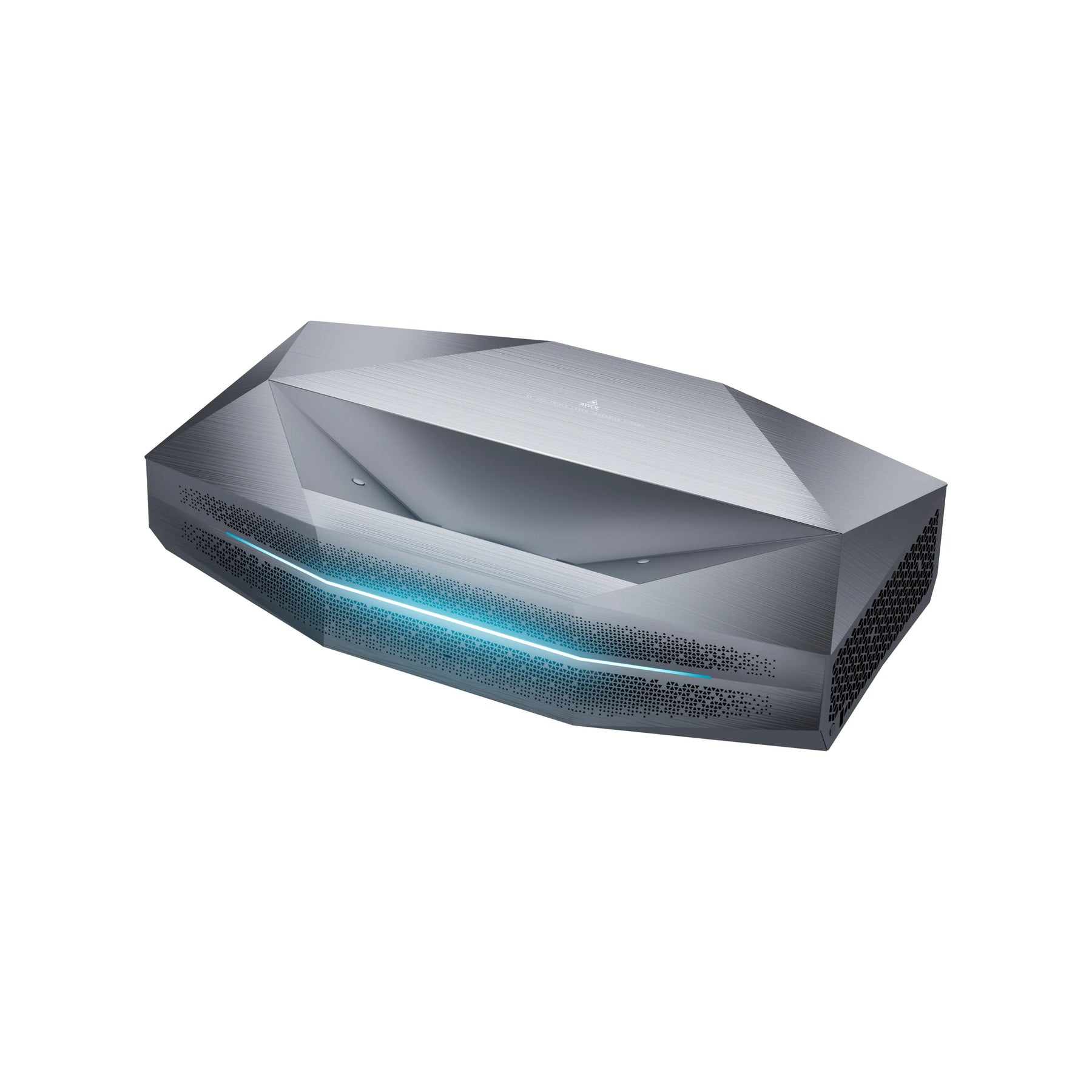
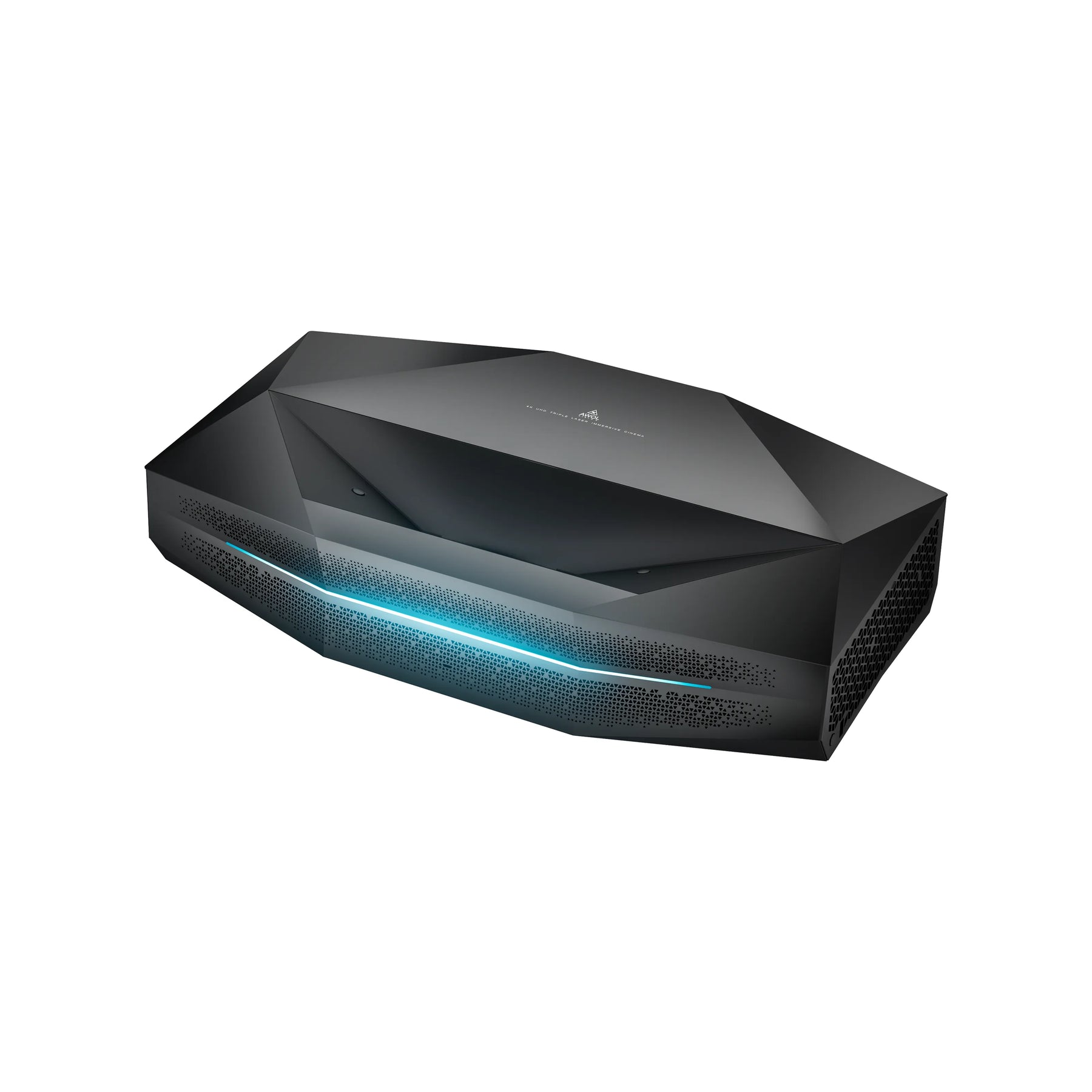
This poses a particular challenge that many buyers overlook.
The Problem of the Flat Angle
If you point a UST projector at a regular matte white screen, it will mostly just reflect the light upward toward the ceiling — away from your eyes. If you point it at a standard ALR screen, it will also block the light, because it is designed to interpret light from "below" (the projector) as ambient light.
The essential solution: CLR & special VAT-ALR canvases
For UST projectors, you absolutely need a screen optimized for this shallow angle. It is often called CLR (Ceiling Light Rejecting) or simply UST-ALR.
These screens use a special microstructure, usually lenticular or Fresnel-based. It is designed to block light from above (ceiling lamps) while capturing the steeply upward light from the UST projector and directing it precisely horizontally toward the viewer's eyes.
For example, these are the AWOL Vision Cinematic ALR or Fresnel Daylight ALR Screens specially designed to precisely capture the light from a projector positioned below it and absorb stray light from above or the sides. This enables a brilliant image in daylight.
Important note: The use of a standard screen with an expensive UST projector results in a massive loss of quality. If you are wondering whether a 4K projector is worth it, the answer is: Yes, but only with the right canvas.
Check list: Find the right canvas in 4 steps
Still feeling overwhelmed? Use this checklist to quickly narrow down your selection.
Step 1: Where is your projector located?
- Standard projector (placed at the back or mounted on the ceiling): You are free to choose. Continue to step 2.
- Ultra-short-throw projector (placed at the front on a lowboard): Your choice is simple: you absolutely need a CLR/UST ALR screen.
Step 2: How bright is your room?
- Dedicated, dark home theater: A matte white screen (gain 1.0) is perfect and often the most affordable.
- Bright living room (with diffused light): You absolutely need an ALR screen (for standard projectors) or a CLR/UST ALR screen (for UST projectors).
Step 3: How much space do you have? (Format & Size)
- Format: For movies, series, and modern gaming is 16:9 The universal standard. (Older formats like 4:3 are for business presentations, 21:9 is for absolute cinema purists).
- Size: A good rule of thumb for a cinema-quality (immersive) experience: Seating distance (in cm) / 1.5 = Optimal screen width (in cm). (Or use a calculator to get the exact Calculate canvas size).
Step 4: Permanent or invisible? (Choose design)
- Can the canvas stay hanging all the time? -> Select a Frame screen for optimum flatness.
- Does the wall need to remain clear? -> Choose a high-quality Motorized screen, ideally with a tension system (cable tension).
- No wall or ceiling mounting possible? -> For maximum flexibility in the living room, there are also motorized floor screens, such as the AWOL Vision Cinematic+ ALR Motorized Screen, which extend out of a slim casing when needed.
Conclusion: A canvas is an investment, not an expense
The choice of screen is just as important as the choice of projector. It is the component that turns the projected light into an image.
Save where it matters. The best canvas is always the one that exactly matches your Room (light/dark) and your Projector (Standard/UST) fits. A modern contrast screen (ALR/CLR) may seem expensive at first glance, but it is the key factor that turns a good projector into a truly TV-bright home cinema experience — exactly where you live: in your living room.
Frequently Asked Questions
What works well as a projector screen?
A dedicated projector screen is best, as its surface (fabric) and flatness are optimized for light reflection. A smooth wall painted matte white is a stopgap, but woodchip wallpaper is unsuitable because of its uneven texture.
Which type of screen is best suited for a projector?
That depends on the room and the projector. In a completely dark room, a matte white fixed-frame screen (Gain 1.0) is often ideal. In a bright living room, an ALR contrast screen (Ambient Light Rejecting) is the best choice. For ultra-short-throw projectors (UST), a special CLR/UST-ALR screen is absolutely essential.
How large should a screen for a projector be?
That depends on the seating distance. A common rule of thumb for home theater immersion is: divide your seating distance (in cm) by 1.5 to get the recommended screen width (in cm). For a detailed calculation, read how to calculate your screen size.
Need a special screen for a laser projector?
Not for every laser projector. However, if it is an ultra-short-throw (UST) laser projector (laser TV), the answer is: yes, absolutely. You need a special CLR or UST ALR screen designed for the extremely steep projection angle. Our ultra-short-throw projector guide explains this in detail.