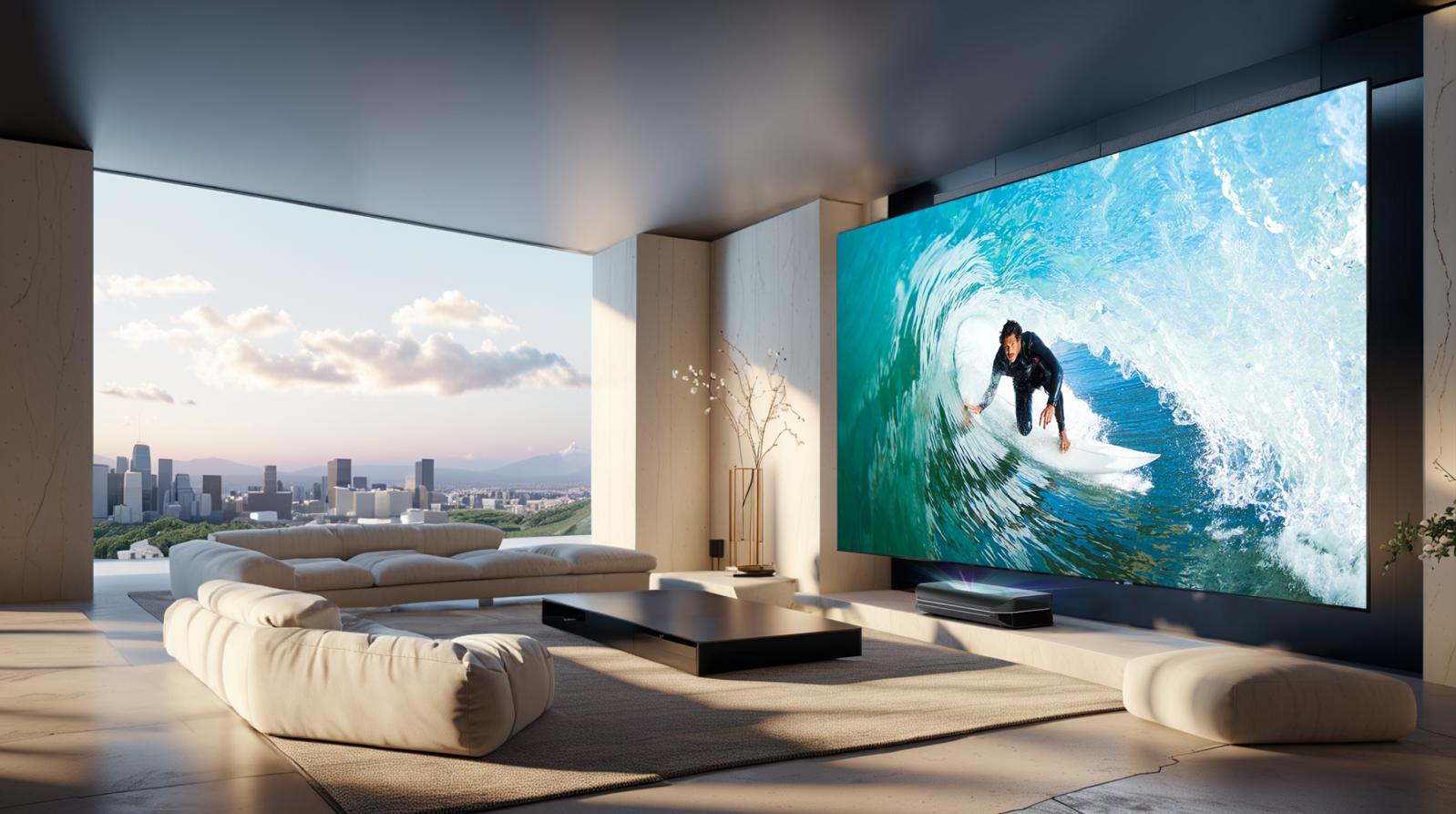




You’ve found the perfect projector, the speakers are selected, and the anticipation for your own home cinema is growing. But now you’re facing one of the trickiest questions: Which screen size is the right one?
100, 120, or even 150 inches — the choice can be overwhelming. Many people mistakenly believe that bigger is automatically better. But the truth is: the perfect projector screen size is a harmonious balance between your room, your seating position, and your projector.
This guide finally brings clarity. We give you a simple formula and all the expert tips you need to calculate the ideal screen size — for a truly cinematic experience.
The Golden Rule: Your seating distance determines the size
For a moment, forget the inch figures and complicated spec sheets. By far the most important rule for choosing the right projector screen is the seating distance — meaning the distance between your eyes and the projector screen.
Think of going to a real movie theater: if you sit too close, you have to move your head to see everything, and the image feels tiring. If you sit too far away, the impressive home cinema experience is lost. Your goal is to fill your field of view comfortably without overwhelming it.
How to calculate your optimal screen size — in 20 seconds
To convert the ideal distance into a specific size, there is a proven formula from home cinema practice. It’s surprisingly simple:
Seating distance (in cm) × 0.6 = Optimal screen width (in cm)
Example: let’s say your sofa is 3.5 meters (350 cm) away from the wall where the screen will hang.
350 cm × 0.6 = 210 cm
So your ideal screen width is approximately 210 cm. With this number, you have the perfect starting point for your search for the right screen size.
From width to diagonal: common screen sizes in practice
You now know your ideal width. But screens are almost always sold in inches, which describe the diagonal size of the image. How does that fit together?
The following table translates your calculated width into common retail sizes. Simply look for the screen whose width best matches your result:
|
Diagonal (inches) |
Approx. width (cm) |
Ideal seating distance |
|
90" |
approx. 200 cm |
approx. 3.3 m |
|
100" |
approx. 221 cm |
approx. 3.7 m |
|
110" |
approx. 243 cm |
approx. 4.0 m |
|
120" |
approx. 266 cm |
approx. 4.4 m |
|
130-inch screen |
approx. 288 cm |
approx. 4.8 m |
Table for a 16:9 format. Dimensions may vary slightly depending on the manufacturer.
This overview helps you find the standard screen size that fits your room perfectly.
The most common question: “Why not just go for the biggest screen?”
That’s an excellent and completely logical question that almost everyone asks. If the projector can zoom the image, why not choose a larger screen for maximum compatibility with different content?
The answer is the key to truly good image quality. Here are the two main reasons why calculating the right screen size is better than maximizing:
Problem #1: The image becomes too dark
A projector’s light output is spread over a larger area as the image size increases. A screen that’s too large therefore leads to reduced brightness per square meter — the image looks paler and less contrasty.
That’s exactly what happens with light: the larger the image, the more the light spreads out, and image brightness (luminance) decreases. A correctly sized screen ensures that brightness and contrast ratio are used to their full potential.
Problem #2: The contrast effect from the frame is lost
The black border of your screen is more than just decoration. It’s the picture frame for your movie experience. This border absorbs stray light and increases perceived contrast. Your brain is tricked into seeing the image inside the frame as sharper and more vivid.
If your projected image is smaller than the screen, it “floats” in a large unused gray area. That is not only distracting, it also destroys this important contrast effect and the entire cinema illusion.
Modern solution for compact spaces: ultra short throw projectors
You may be thinking: “My formula gives a 120-inch screen, but my room isn’t long enough to place the projector that far back!”
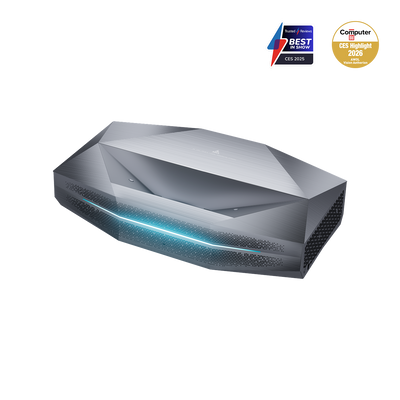
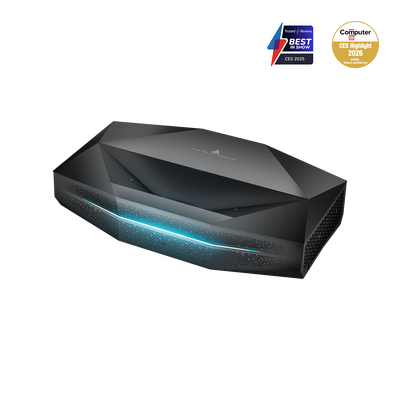
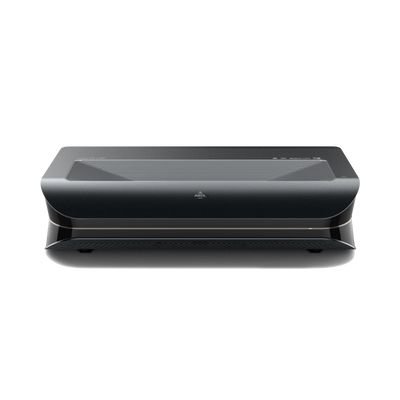
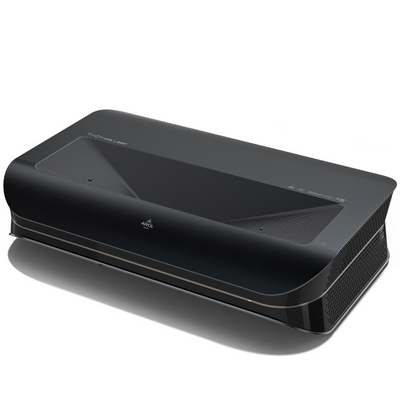
This is exactly where an innovative technology comes into play: the ultra short throw projector (UST), often also called Laser TV. Unlike traditional projectors, which need several meters of distance, UST devices are placed directly in front of and below the screen on a lowboard — only a few centimeters from the wall.
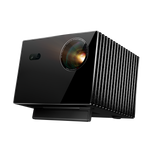
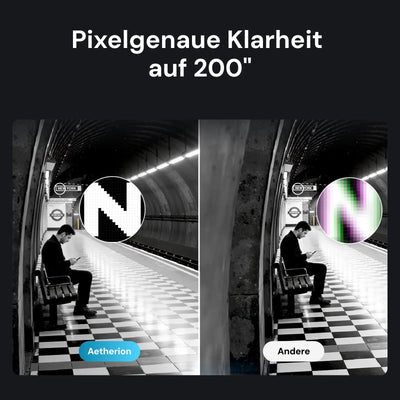
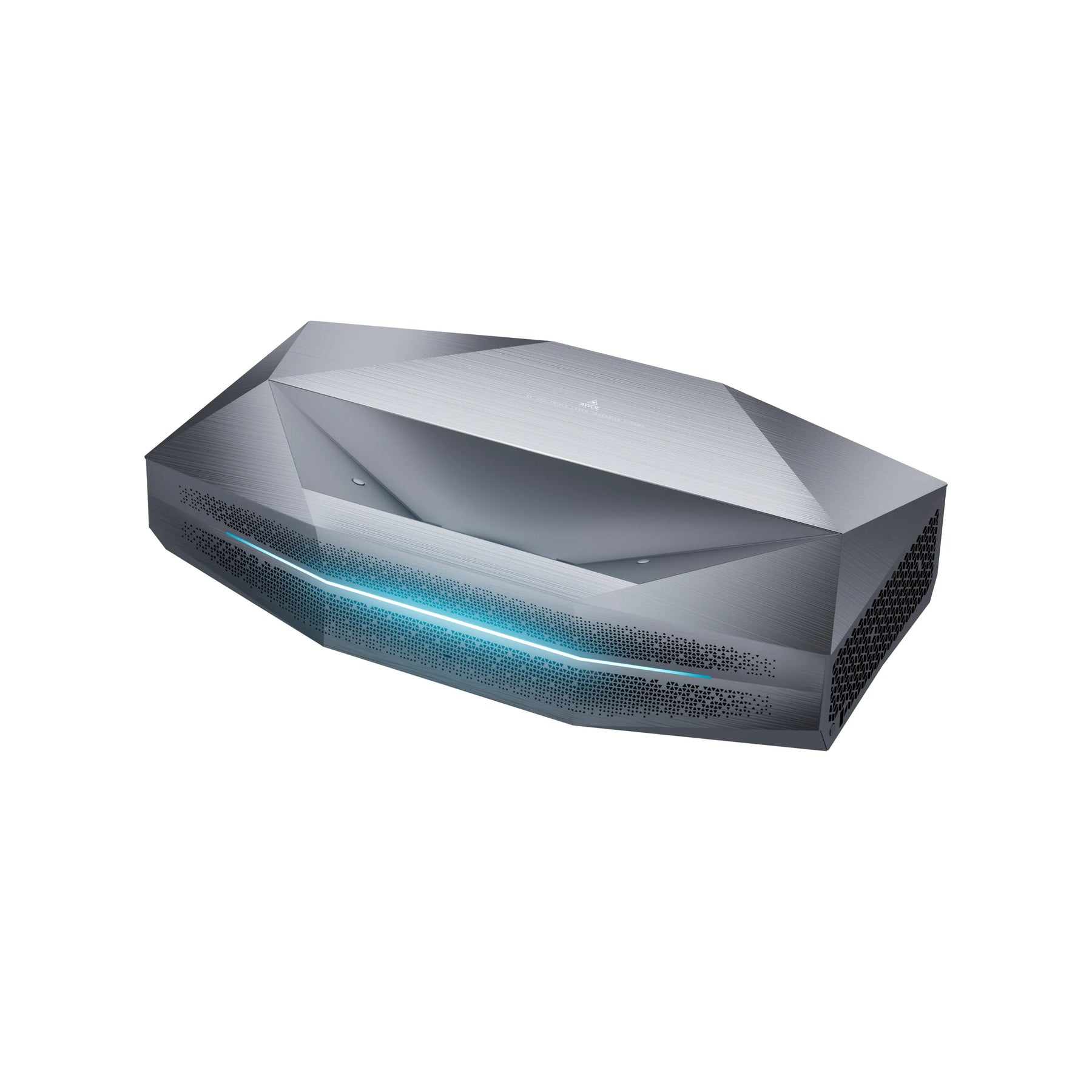
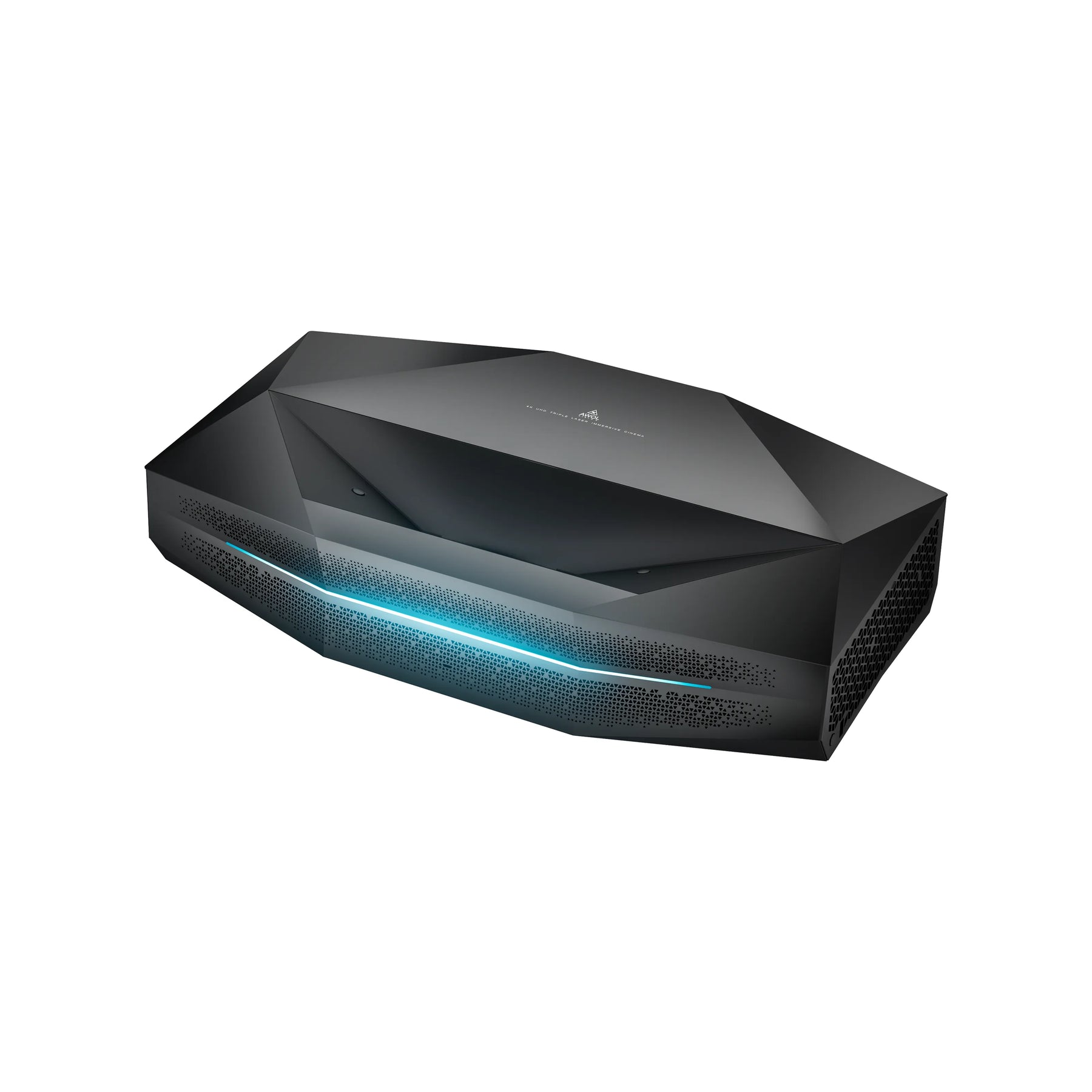
This technology has revolutionized home cinema. Modern ultra short throw projectors achieve impressive brightness levels of 3000+ ISO lumens and use advanced triple-laser light sources for brilliant colors and deep contrast. Premium models such as the AWOL Vision Aetherion Max and Aetherion Pro even support Dolby Vision and are specially designed to illuminate large screens optimally in bright living rooms.
The perfect match: ALR screens for optimal image quality
However, a powerful Laser TV is only half the battle, especially in a bright living room. This is where a special screen technology comes in: ALR screen (Ambient Light Rejecting).
Imagine an intelligent surface designed to absorb up to 80% of the light from ceiling lamps or windows and reflect only the light from the ultra short throw projector placed below it back toward your eyes. The result is a high-contrast, vibrant image that rivals a premium TV, even when the room is not completely dark.
The AWOL Vision Cinematic ALR screens are a perfect example of this technology. They were specially developed for use with UST projectors and maximize image quality through their unique surface structure. This synergy between AWOL Vision projector and matching ALR screen ensures that you get the maximum performance out of your setup.
Checklist: Other factors for the perfect screen size
In addition to distance, there are a few other important points to consider:
Projector brightness (lumens): Do you have an especially bright projector with 2500+ lumens? Then you have a little more room to go bigger and can still illuminate a larger screen size brilliantly.
Resolution (4K vs. Full HD): With a 4K projector, you can sit a bit closer to the screen without seeing pixels. That may allow you to choose a slightly larger screen than the formula suggests.
Ambient light: In a living room that is not fully darkened, a somewhat smaller but brighter and more contrast-rich image can often look more impressive than a huge, washed-out image.
Ceiling height: Don’t forget the vertical dimension — a 130-inch screen is about 1.6 meters high and needs enough space above and below.
Multiple seating positions: Do you have different seating spots? Base your choice on the average distance or the most common seat.
Conclusion: Your perfect screen size in 3 simple steps
Choosing the right projector screen size is not rocket science, but a simple, methodical approach. With this knowledge, you can calculate screen size and be well prepared for your decision:
-
Measure: Determine the exact distance from your preferred seating position to the wall.
-
Calculate: Multiply this value in cm by 0.6 to determine your ideal screen width.
-
Choose: Compare your result with our table and choose the screen diagonal that best matches your calculated width.
Remember: modern ultra short throw projectors and ALR screens open up entirely new possibilities for your home cinema, even in compact or bright rooms. The right projector screen size and distance, combined with the right technology, guarantees unforgettable movie nights in cinema quality.
That’s how you’re guaranteed to find the perfect size for your own home cinema experience.
FAQ about the right screen size
How do you calculate the right screen size?
The easiest method is the seating-distance formula: measure the distance between your seating position and the screen in centimeters and multiply this value by 0.6. The result is the recommended screen width. For example, with a seating distance of 350 cm, the ideal screen width is about 210 cm.
How big is a 100-inch screen?
A 100-inch screen in a 16:9 format is approximately 221 cm wide. The exact height and width may vary slightly depending on the manufacturer, but this size is especially well suited for small to medium-sized home theater rooms. As a rough guide, a 100-inch screen fits a seating distance of about 3.7 meters.
How big is a 120-inch screen?
A 120-inch screen in a 16:9 format is approximately 266 cm wide. It is one of the most popular sizes for modern home cinemas because it offers a much larger image than a TV without feeling overly dominant in many living rooms. It is ideal at a seating distance of about 4.4 meters.
Which screen size is best for a projector?
The best screen size depends mainly on seating distance, room size, projector brightness, and resolution. For many home cinemas, 100 to 120 inches is a good range. Anyone using a bright 4K projector or an ultra short throw projector can also choose larger formats, but should make sure the image does not become too dark or tiring on the eyes.
Is a larger screen always better?
No, a larger screen is not automatically better. If the screen is too large, the projector’s light is spread over a bigger area, which can make the image look darker and less contrasty. In addition, a too-large image can be uncomfortable at short seating distances. The key is a balanced relationship between image size, distance, and ambient light.
Which screen size suits an ultra short throw projector?
An ultra short throw projector is especially well suited to large screen sizes in compact rooms because it is placed directly in front of the wall or screen. Common sizes are 100, 120, or 130 inches. For bright living rooms, a suitable ALR screen is recommended, as it reduces ambient light and improves the contrast of the projected image.