





The current generation of consoles, led by the PlayStation 5 and Xbox Series X, delivers impressive visuals. But many gamers still play on a standard TV. The desire to experience titles like Elden Ring, Call of Duty or EA Sports FC on a 120-inch screen is huge in the community. At the same time, a stubborn prejudice persists: projectors are simply too slow for serious gaming.
Anyone who has invested a lot of money in their setup does not want to lose a multiplayer match because of sluggish controls. The good news: if you are weighing up a TV and projector today, you need to fundamentally rethink what you know about projectors. Modern gaming projectors have overcome the technical weaknesses of the past and now lag far behind gaming monitors only slightly when it comes to response time.
In this guide, we explain which technical specifications you should definitely look for when buying one to bring true big-screen gaming into your living room — and why 4K at 120 Hz and 1 ms input lag have long since arrived on the screen.
Are projectors really suitable for competitive gaming?
Yes. A modern gaming projector offers a smooth gaming experience that goes far beyond sheer screen size.
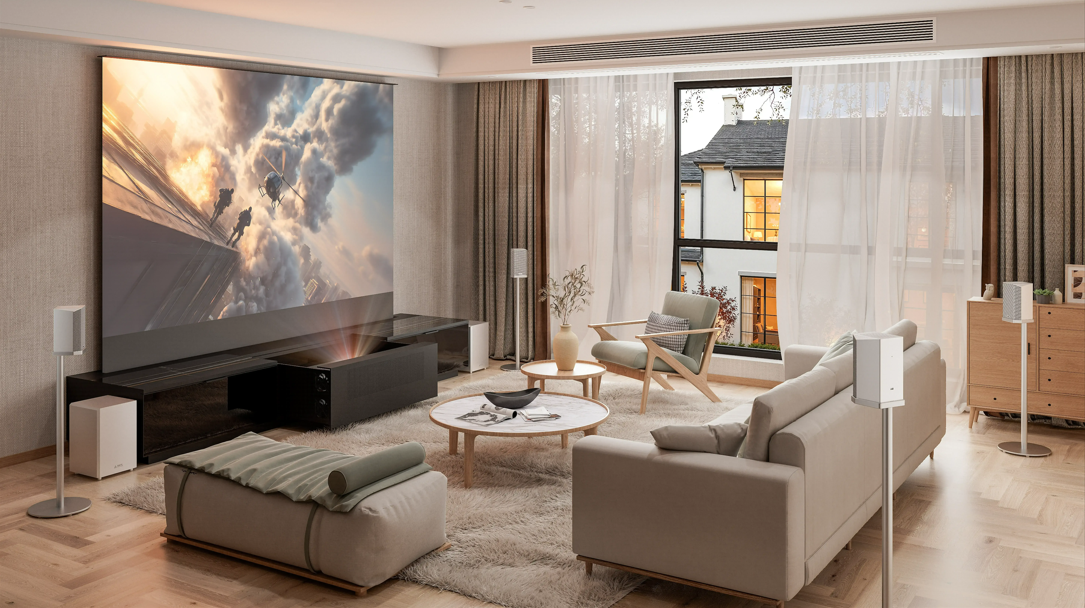
While a 65-inch TV viewed from two metres away often feels like just a window into the game, a 100- to 150-inch screen fills the peripheral field of vision almost completely — the immersion is entirely different. However, for the experience not to be spoiled by stuttering or input lag, the projector's core specs must match the performance of today's consoles and PCs.
What matters: the 3 most important specs for gaming projectors
Anyone looking for a projector for next-gen gaming should first put the classic home cinema metrics aside. In games, three factors matter most.
1. Input lag: the decisive factor

Input lag describes the time in milliseconds (ms) that passes between pressing a button on the controller and the visible reaction on the screen. For gamers, this is by far the most important technical value.
- Over 50 ms: No problem for movies, but unacceptable for gaming. Controls feel sluggish and indirect.
- 20 ms to 40 ms: The average range. Sufficient for casual gaming, story-driven games, and the Nintendo Switch.
- Under 16 ms: The benchmark for demanding gamers. From here on, fast shooters and competitive online gaming are possible without a noticeable disadvantage.
- High-end (up to 1 ms): Thanks to special image-processing chips and dedicated gaming modes, current flagship models achieve input lag of up to 1 ms — typically in 1080p/240 Hz mode. At this point, any delay is practically no longer perceptible.
2. 4K resolution & 120 Hz: the next-gen standard
Current consoles are designed to run games in native 4K resolution at up to 120 frames per second. While 60 Hz is still enough for slower-paced games, 120 Hz noticeably reduces motion blur during fast movements and camera pans. Anyone who wants to take full advantage in gameplay needs to make sure the projector can process 4K and 120 Hz at the same time.
3. HDMI 2.1, VRR & ALLM: essential for current consoles
To transmit the data load of 4K at 120 Hz from the console to the projector, HDMI 2.1 is absolutely required. Older HDMI 2.0 ports limit the signal. HDMI 2.1 also brings two important gaming features:
- ALLM (Auto Low Latency Mode): The projector automatically detects the console signal and disables compute-intensive image enhancers such as frame interpolation — input lag drops to a minimum.
- VRR (Variable Refresh Rate): The projector's refresh rate dynamically adapts to the console's frame rate. This prevents screen tearing, meaning the horizontal splitting of the image when frame rates are uneven.
Brightness: is 3,000 lumens enough for the living room?
A common stumbling block when buying a projector is the brightness rating. Be careful with misleading marketing figures: low-cost devices on sales platforms are often advertised with numbers like “20,000 lumens". These are almost always LED light-source ratings that have nothing to do with the actual image brightness on the screen.
What matters is the difference between lumens and ANSI lumens or ISO lumens. A high-quality laser projector with a true 2,500 to 3,500 ISO lumens is extremely bright. In combination with a contrast-enhancing screen, such a device can be used in the living room for gaming even during the day with moderate ambient light — without needing to darken the room completely.
Why ultra-short-throw projectors (laser TVs) are ideal for gamers
With classic ceiling-mounted projectors, there is a familiar problem: if you lean forward while playing or walk across the room, you cast a shadow right in the middle of the image.
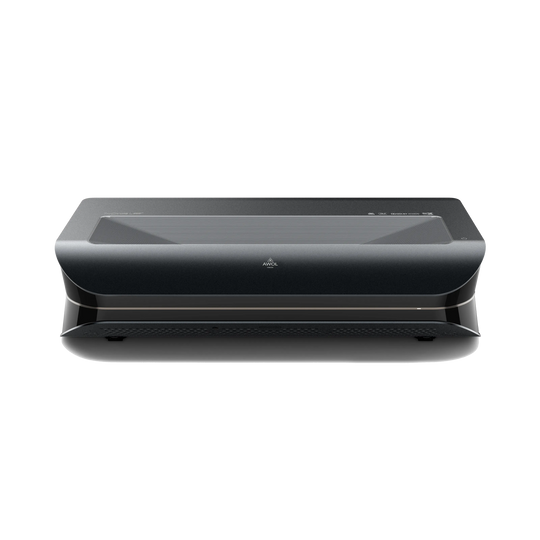
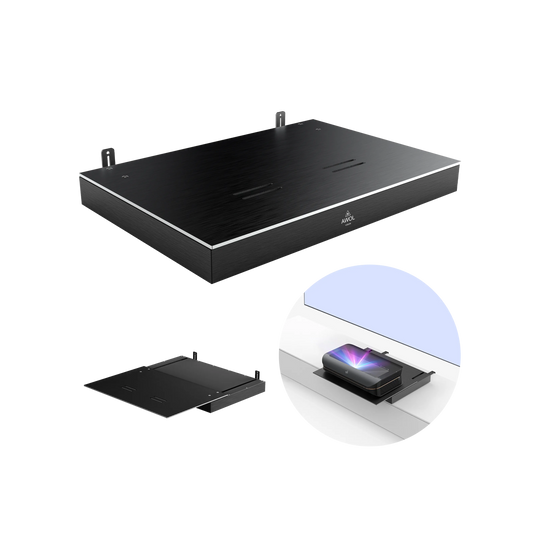
Ultra-short-throw projectors (UST), often also called laser TVs, completely avoid this problem. They are placed just a few centimetres in front of the projection surface on a lowboard. Modern devices use RGB triple-laser technology: separate lasers for red, green, and blue provide exceptional colour gamut coverage and high contrast values. Supported by formats such as Dolby Vision they can render dark scenes in horror games just as faithfully as brightly lit sci-fi settings.
Bringing premium standards home
For a long time, home cinema fans and gamers had to make compromises: if you wanted a big picture, you chose a projector — if you prioritised response time and contrast, you stuck with a TV.
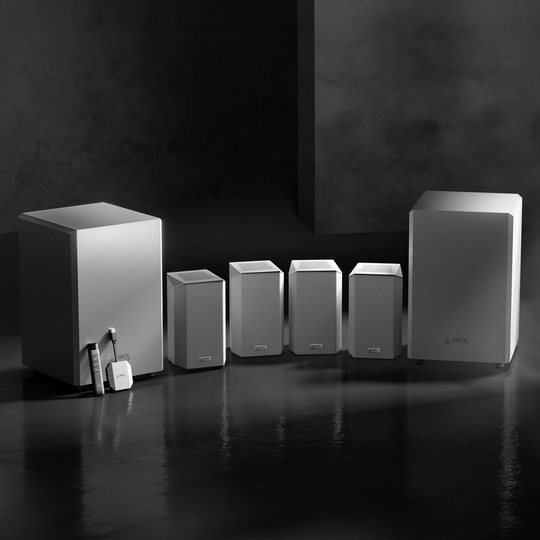
That both can now come together in one device is shown by the AWOL Vision Aetherion Max. The device demonstrates what current laser projection can do: three full HDMI 2.1 ports enable native 4K output at 120 Hz. Input lag of up to 1 ms, VRR, ALLM, and Dolby Vision make the projector suitable for competitive gaming as well. The RGB triple-laser light source delivers 3,300 ISO lumens — enough to produce a convincing image on a projection surface of up to 200 inches, not only in a darkened home cinema but also in a normal living room.
Checklist: how to get the most out of your gaming setup
- Check game mode: If the projector does not support ALLM, the Game Mode must be activated manually. Otherwise, internal image processors will cause noticeably higher input lag.
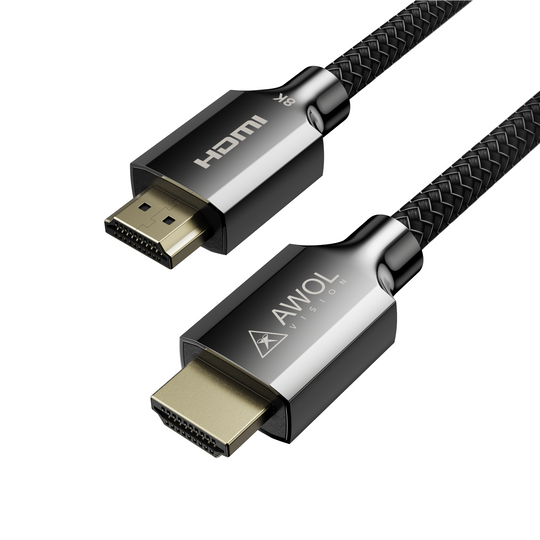
- Check cable certification: For PS5 and Xbox Series X, use only certified Ultra High Speed HDMI cables (48 Gbps). An outdated cable is the most common cause of image dropouts at 4K/120 Hz.
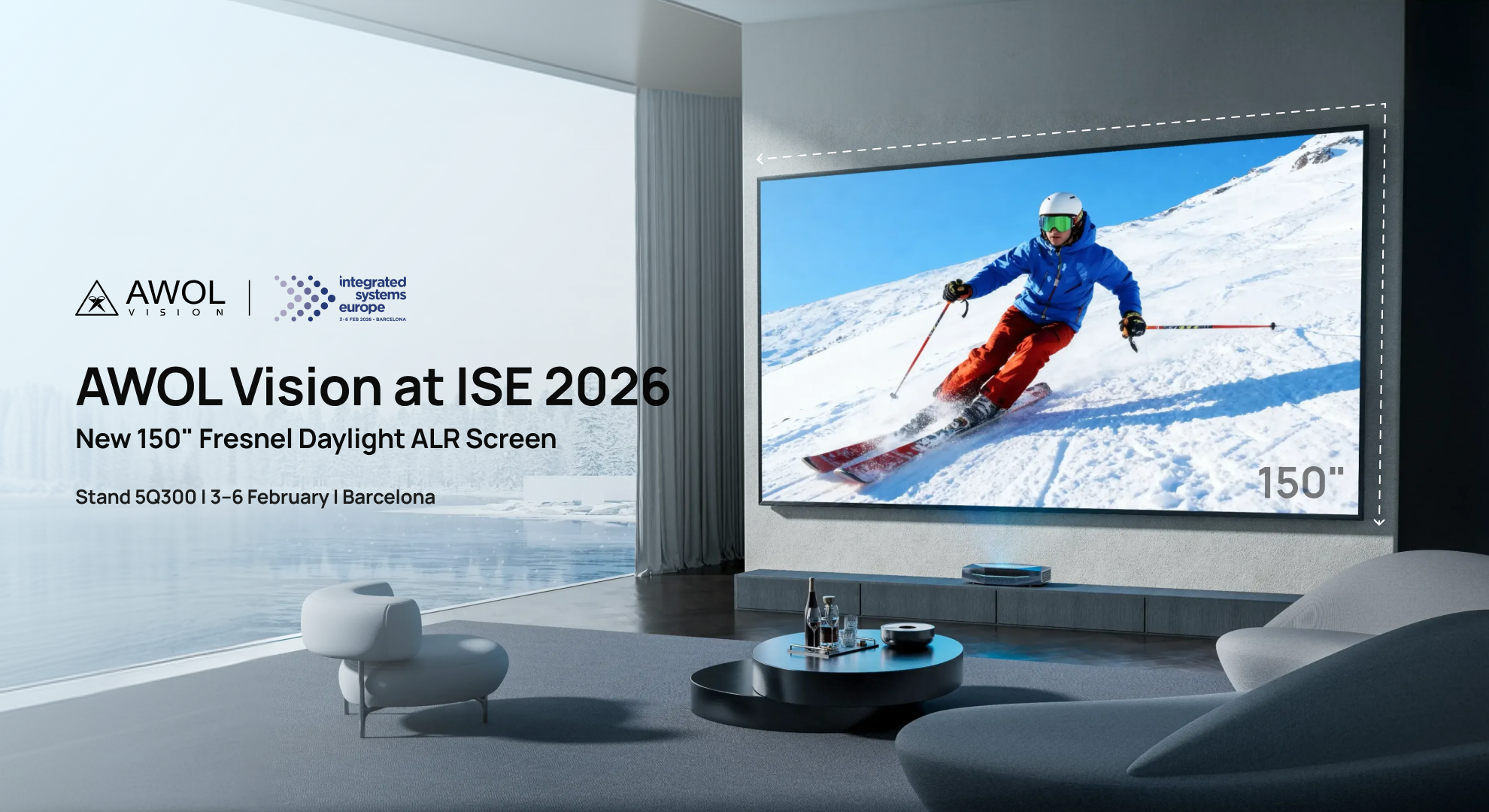
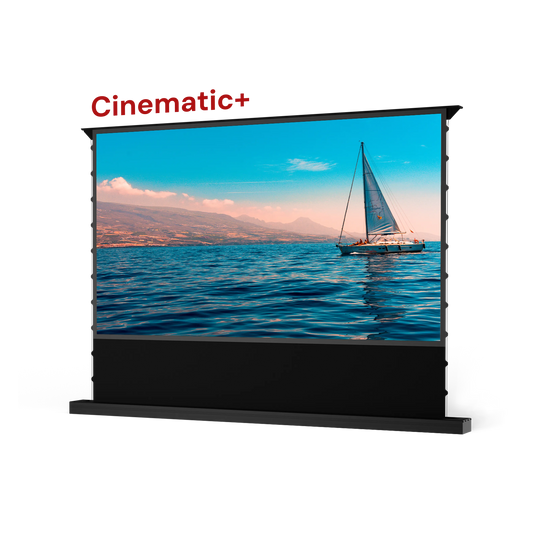
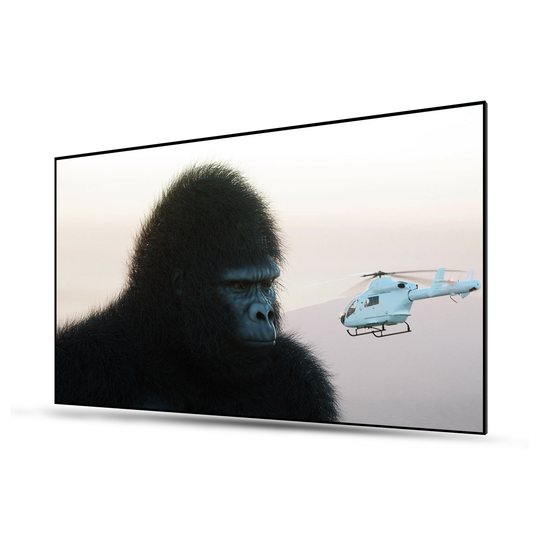
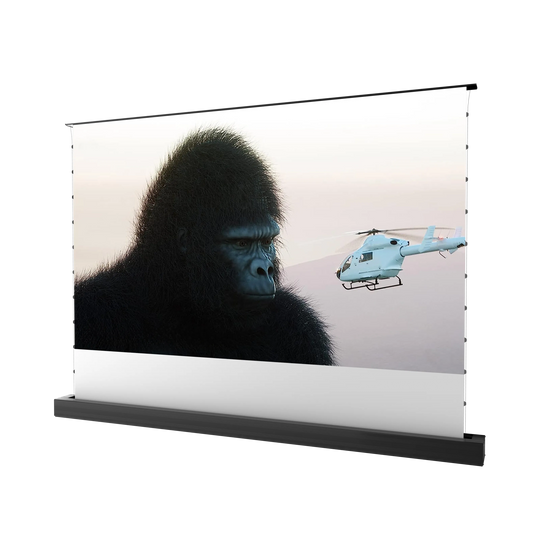
- Choose the right screen: A UST laser TV only reaches its full potential with a suitable CLR or ALR screen that absorbs ambient light and increases contrast. Our screen buying guide helps you choose the right material.
Frequently asked questions (FAQ)
Can you game with a projector?
Yes. Modern gaming projectors — especially laser TVs — offer dedicated gaming modes, very low latency, and high refresh rates that enable smooth, competitive gaming without noticeable delay.
When is a 4K projector worth it?
You can find a detailed breakdown in our article Is a 4K projector worth it. As a rule of thumb: from a screen diagonal of 100 inches in combination with a PS5 or Xbox Series X, 4K is a must. The sharpness advantage over 1080p at this size is impossible to miss — especially with in-game text and HUD elements.
Which projector is suitable for the PlayStation 5?
To get the full potential out of the PS5 (and the Xbox Series X), you need a projector with full HDMI 2.1 ports. The device must support 4K at 120 Hz, VRR, and ALLM. Input lag should be under 16 ms.
Is 4K at 120 Hz good for gaming?
Yes, this is currently the technical gold standard for console gaming. 120 Hz means 120 individual frames per second — this noticeably reduces motion blur and makes fast camera movements much smoother.
Are 20,000 lumens a lot for a projector?
Figures like these from the budget segment are almost always misleading — usually they are LED lumen ratings for the light source. Rely only on ANSI or ISO lumen figures. For a bright living room in daylight, true 2,500 to 3,500 ISO lumens is already an excellent rating.