
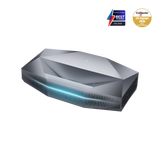
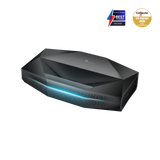
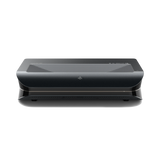
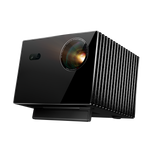


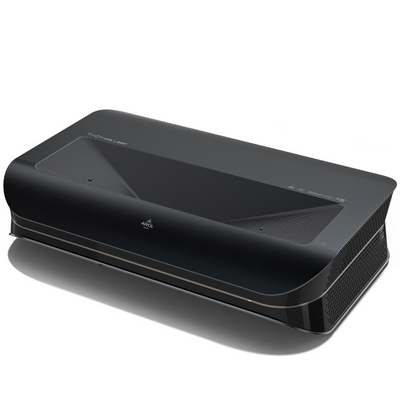
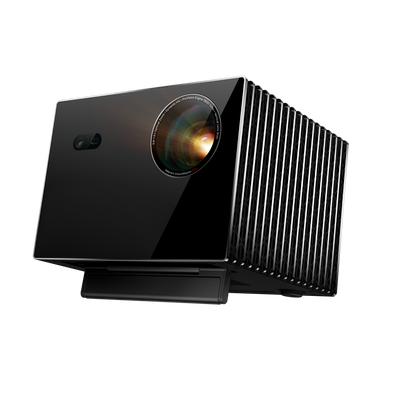


Have you ever wondered how it is possible for a relatively small box to throw a huge, razor-sharp image onto the wall? A projector (also called a video projector) may seem like pure magic at first glance, but behind it lies fascinating, highly advanced technology.
It can be frustrating to understand how it works when you're faced with technical terms like DLP, LCD, or lumens. But don't worry.
In this guide, we explain in simple, easy-to-understand terms how a projector works, what different technologies are available, and what you really need to know to understand the technology behind it.
The basic principle in 3 steps: light, image, and optics
Regardless of the exact technology, every modern projector follows a basic three-step principle to create an image.
- Step 1: Light generation: Inside the projector, a powerful light source — usually a traditional lamp, a long-lasting LED, or a cutting-edge laser — generates a very bright, white light.
- Step 2: Image conversion: This light is passed through a special image-processing chip or through panels. This tiny component is the heart of the projector. It splits the white light into millions of pixels and colors each one in the correct shade to form the digital image.
- Step 3: Projection: A high-quality lens (a set of lenses) at the front of the projector gathers the now-formed image, focuses it, and projects it precisely and enlarged onto a screen or a wall.
A look inside: The core components of a projector
To better understand the principle, let's take a closer look at the three crucial components that work together in every projector.
The light source (lamp, LED, or laser)
The type of light source has a huge impact on image quality, lifespan, and the operating costs of the projector.
- Lamps (UHP): Were long the standard. They are very bright, but have a limited lifespan (approx. 2,000-5,000 hours) and need to be replaced regularly.
- LEDs: Are more energy-efficient and have a much longer lifespan (often over 20,000 hours). They are often used in smaller, portable projectors.
- Laser: This is the most modern and advanced technology. Laser light sources are extremely durable (often 25,000 hours or more), offer consistently high brightness, excellent colors, and are practically maintenance-free.
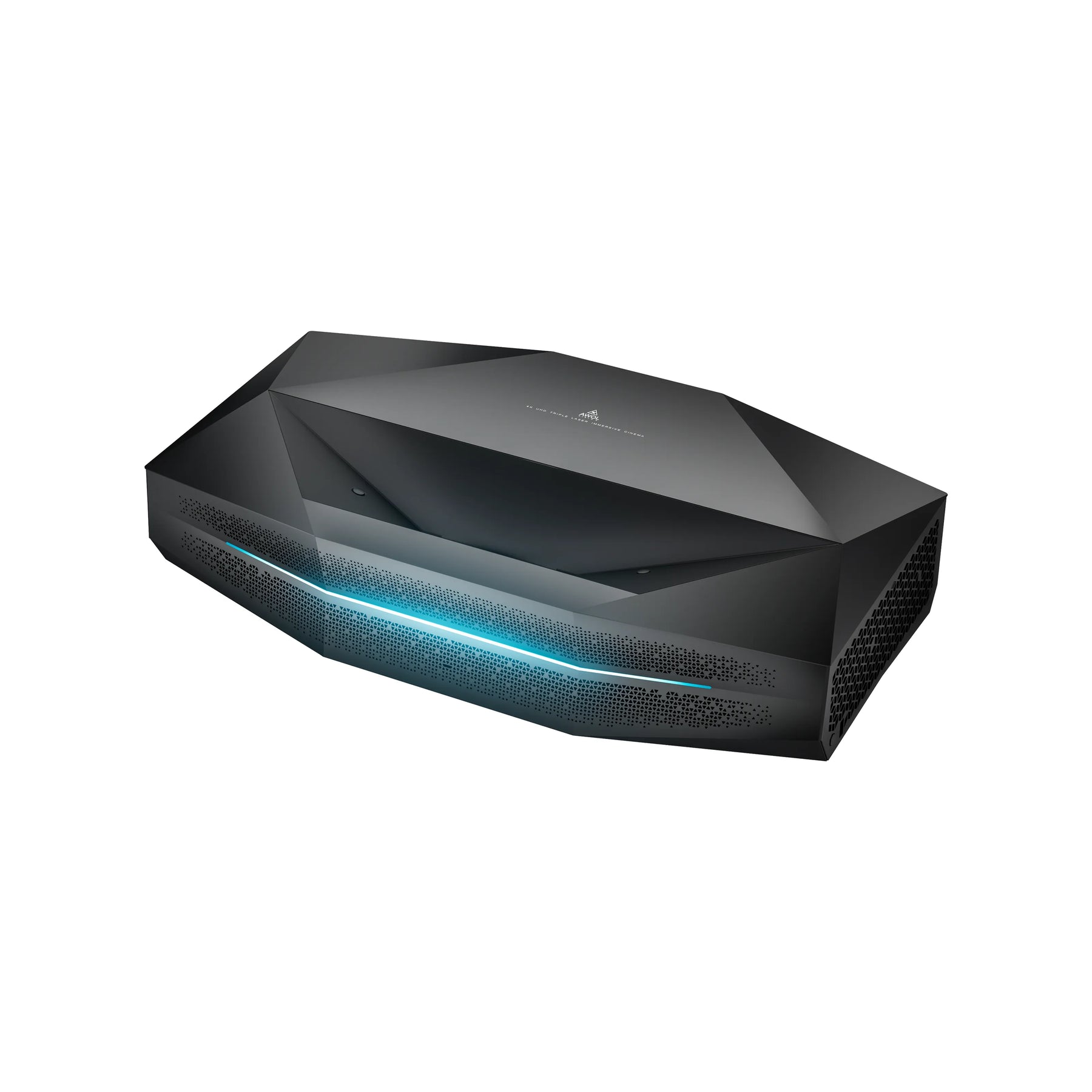
The image processor (the heart of projection)
This is the component that gives the light its actual image information. There are different technologies here that determine what the final image looks like and whether, for example, HDR or Dolby Vision is supported.
The lens (for a sharp, large image)
The lens is crucial to the quality of the projection. It not only ensures that the image can be brought into focus (focus), but on many models also lets you adjust the image size without moving the projector (zoom).
The key question: Which projection technology is right?
The type of image processor is the most important technical differentiator in projectors. The two most common technologies are DLP and LCD.
DLP projectors (Digital Light Processing)

DLP projectors use a tiny chip covered with millions of microscopic mirrors — one mirror for each pixel. These mirrors tilt thousands of times per second to reflect light either toward the lens or away from it. A rotating color wheel adds the colors.
- Advantages: Very sharp images, excellent black levels, and high contrast. One reason many people wonder, whether a 4K projector is worth it.
- Disadvantages: Some people perceive a "rainbow effect" (brief colored flashes) during fast motion.
LCD projectors (Liquid Crystal Display)
This technology works similarly to a flat-panel screen. The white light is split into the three primary colors (red, green, blue) and sent through a separate LCD panel for each one. These panels generate the image information for each color before it is recombined into a single, full-color image.
- Advantages: Very vivid, rich colors, no rainbow effect.
- Disadvantages: Can be more susceptible to dust inside and often have slightly lower contrast than DLP devices.
LCOS / SXRD / D-ILA (for the highest demands)
These are hybrid technologies often found in high-end home cinema projectors. They combine the advantages of DLP and LCD to achieve exceptional image quality with outstanding contrast and natural colors.
From source to screen: How does the image get to the projector?
A projector is basically just a display device, just like a monitor or a television. It therefore needs a source device that sends it the image signal.
- Wired: The modern standard is HDMI. With an HDMI cable, you can easily connect laptops, Blu-ray players, game consoles, or streaming boxes.
- Wireless: Many modern projectors have built-in Wi-Fi functions. This lets you stream content directly from your smartphone or tablet using standards like Miracast or AirPlay.
Frequently asked questions (FAQ)
What do you need for a projector?
For a good experience, you need:
- The projector itself.
- A screen or a smooth, white wall.
- A source device (e.g. laptop, streaming stick, etc.).
- A cable for the connection (usually HDMI).
- Optionally, an external sound system for better audio, often connected via HDMI eARC .
Can a projector replace a TV?
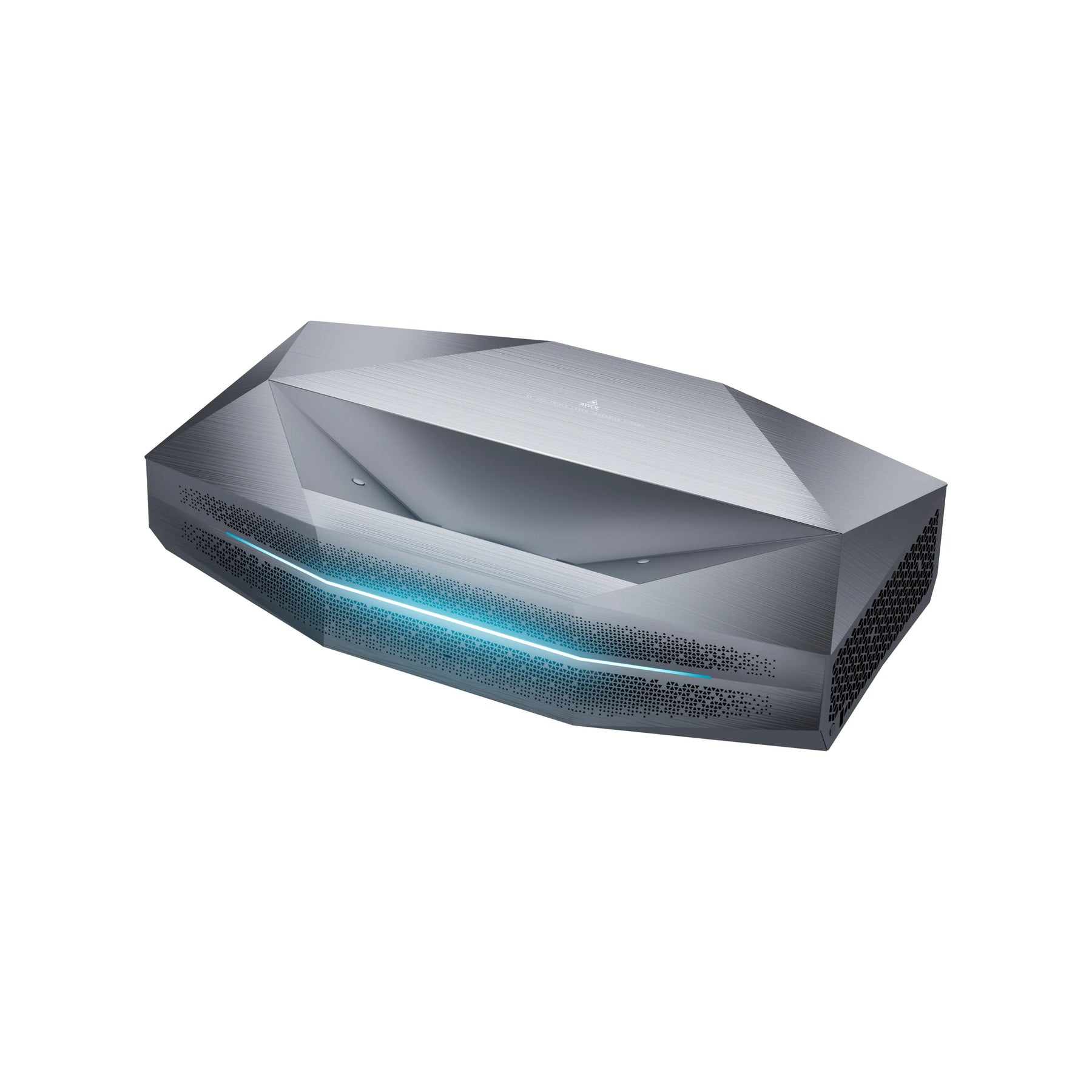
Yes, absolutely. Modern projectors, especially bright ultra-short-throw projectors (also called laser TVs), are specifically designed to replace the TV in the living room. The question "projector or TV?" depends on factors such as brightness in daylight, light source lifespan, and ease of installation.
What are the disadvantages of a projector?
Potential disadvantages include fan noise (especially on less expensive models), possible lamp replacement on older devices, and the need for a good projection surface. Lower-brightness projectors also need a darkened room to reach their full potential.
How do I connect my phone or laptop to a projector?
The easiest and most reliable way to connect a laptop is with an HDMI cable. A phone is most conveniently connected wirelessly via the projector's Wi-Fi or screen-mirroring function, as explained in our guide "Connect a projector to a phone". If the projector does not support this, you will need a special adapter for your smartphone.