




A projector with Bluetooth transmits sound, not video. That is the most important sentence on this topic, because most disappointments after purchase happen when buyers expect something else. The projector sends its movie audio wirelessly to headphones or speakers; the actual video signal still runs via HDMI or WLAN. Anyone who understands this difference will read spec sheets with different eyes in the future.
What Bluetooth can do on a projector – and what it can’t
Bluetooth is a wireless standard for audio data. It is not designed to transmit a 4K video signal - it lacks the necessary data rate by a wide margin. Specifically, this means: you can send the sound from your film or game wirelessly to your headphones, but you cannot get your smartphone's screen content onto the big screen via Bluetooth. For the picture, HDMI, a video-capable USB-C cable, or a Wi‑Fi connection are still needed. How you Connect smartphone to the projector, our separate guide explains.
Two directions, one term

If a data sheet mentions “Bluetooth,” it can mean two completely different things – and many devices support only one of them.
The projector outputs sound. This is the feature most people mean: the projector pairs with Bluetooth headphones, a speaker, or a soundbar and outputs the sound there, while the internal speakers usually go silent. This direction is the more useful one and, at the same time, the one most likely to be missing on budget devices.
The projector receives sound. Here, the projector itself works as a Bluetooth speaker. Pair your phone and listen to music through the built-in speakers while the image stays off. Handy for background music, but not a substitute for a movie night.
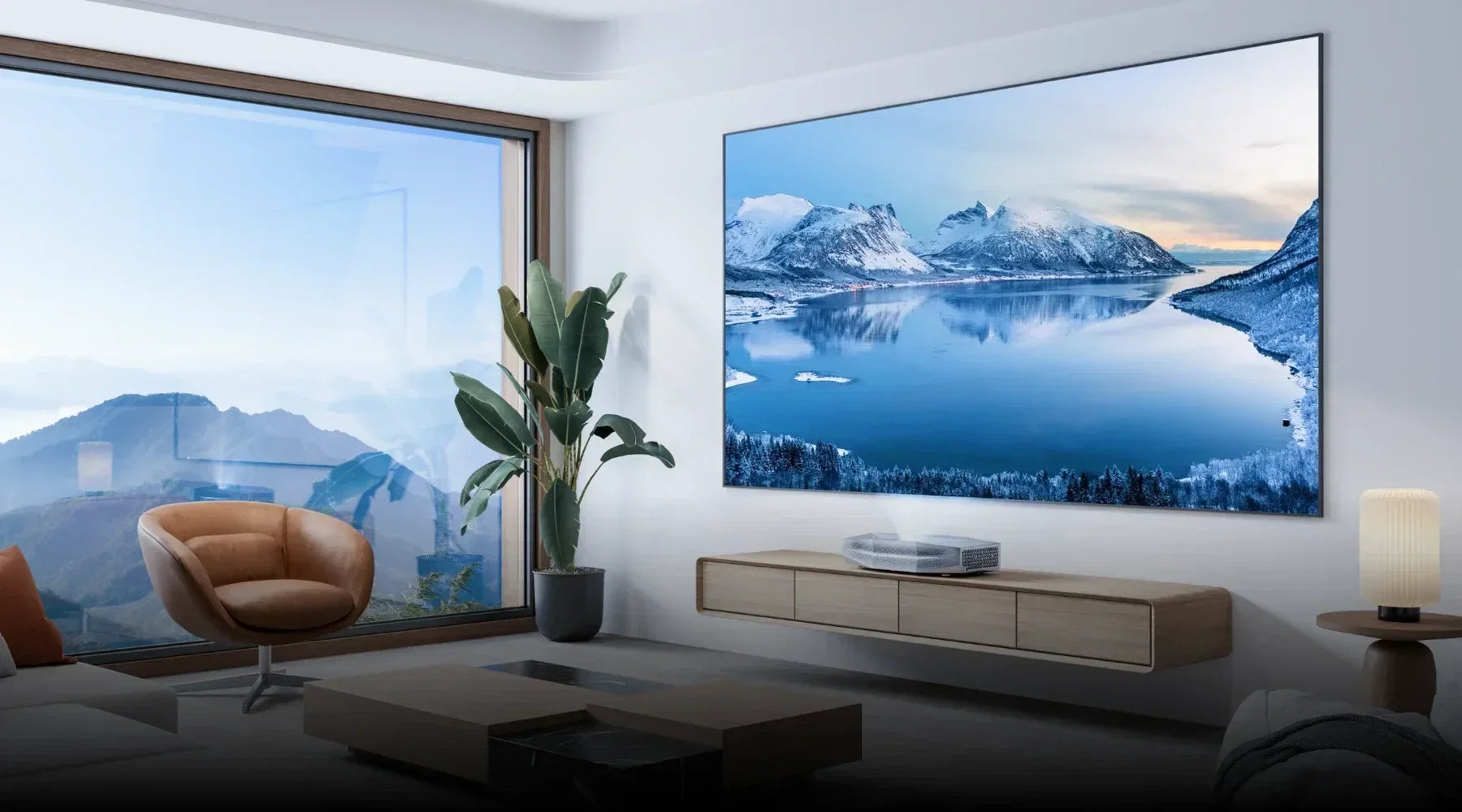
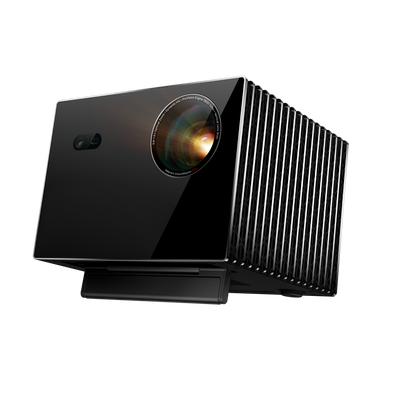
Both variants are implemented on AWOL Vision as separate modes: one mode passes the sound to a paired audio device, while the other turns the projector into a receiver for a mobile phone or laptop.
Before buying a device, it is worth checking the description to see which of the two directions is actually meant.
How do you connect Bluetooth to the projector?
The process is the same for almost all projectors:
- Put the audio device into pairing mode — usually by pressing and holding the power or Bluetooth button.
- Open the Bluetooth menu on the projector. On AWOL Vision, go to Settings › Bluetooth › Management, then to “Add device.”
- Choose your device from the list and confirm the pairing.
- Check the audio menu: The projector must also have Bluetooth enabled as the output device, otherwise the sound will continue to play through the internal speakers.
Step 4 is the most common source of errors, because pairing and audio output are two separate settings. If the device list remains empty, three measures usually help: reduce the distance (to under ten meters, ideally with no wall in between), delete the existing pairing on the projector and set it up again, and move other devices in the 2.4-GHz band such as routers, cordless phones, or microwaves out of the way.
The downside: latency between image and sound
Bluetooth encodes, transmits, and decodes - and that takes time. Depending on the chain, this creates a delay ranging from a few dozen to several hundred milliseconds. With music, this is hardly noticeable. With dialogue, however, you see lips that do not match the sound, and when gaming, the sound responds noticeably too late. Users of are particularly sensitive Gaming projectors, where every millisecond counts.
What helps in practice: use A/V synchronization or the audio delay function if the projector or source device offers them, keep the distance short, and disable unnecessary audio processing in the signal path. But that is not a complete solution. In films with quiet dialogue scenes, the delay is hardly noticeable, but with fast cuts or when gaming, it becomes clearly perceptible.
Bluetooth or cable – when does each make sense?
For a permanently installed home cinema system, a cable connection remains the more reliable choice. HDMI eARC If the sound reaches your system not only in sync but also in multiple channels, Bluetooth fundamentally transmits only compressed stereo. Our guide explains which solution suits your room Speakers for projectors.
That doesn't mean Bluetooth is bad. It's simply a different tool. An optical output, a 3.5 mm jack, and above all an eARC-capable HDMI port give you flexibility later on, so you don't have to choose between the two worlds. In practice, most households use both anyway: the system stays permanently connected by cable, while Bluetooth is reserved for quiet evenings with headphones.

What you should look out for when buying
- Does the device really emit sound? “Bluetooth” in the data sheet may also refer only to receive mode. Look for wording such as audio output, BT out, or two-way Bluetooth.
- Is there a lip-sync correction? Without adjustable audio delay, you are at the mercy of latency.
- What wired alternatives does the device offer? Optical output, 3.5 mm jack, and eARC-capable HDMI should be available.
- How do the internal speakers sound? The more solid the basic sound, the less often you need Bluetooth at all.
- How many devices does the projector store? Some projectors retain only one pairing, while others manage a small list—relevant if you alternate between headphones and speakers.
A projector is more than its Bluetooth function. Anyone who wants to weigh up the full selection will find it in our Projector Buying Guide the points that often matter more in everyday life than the lumen rating on the packaging.
When Bluetooth is really worth it on a projector
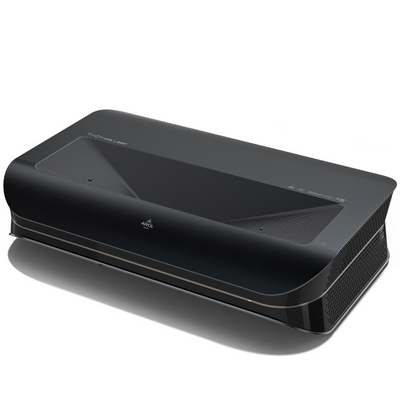
Bluetooth comes into its own where flexibility matters more than perfection: watching late at night with headphones without waking the rest of the household – an argument especially in Bedroom. Or for a garden cinema, balcony, and holiday apartment, where there shouldn’t be any cable anyway. With an ultra-short-throw setup with 4K Laser TV HDMI eARC takes over the main connection, and Bluetooth remains the convenient addition for a quiet evening with headphones.
Frequently Asked Questions
Can I connect any Bluetooth speaker to the projector?
No. The projector must be able to transmit audio; a receive-only function is not sufficient. In addition, as a rule, only audio devices such as headphones, speakers, and soundbars can be paired.
Can I listen through Bluetooth and the internal speakers at the same time?
Usually not. As soon as Bluetooth is active as the output device, the internal speakers are muted. Only some models offer simultaneous output.
Why is the sound delayed even though the connection is stable?
Stability and latency are two different things. The delay is caused by encoding and buffering and remains even with a flawless connection. Only an audio delay setting or a cable will solve the problem.
How can I tell whether my projector can transmit Bluetooth audio?
The most reliable way is via the audio menu: if Bluetooth can be selected there as an output device, the projector supports transmission mode. If, on the other hand, Bluetooth only appears in the network or accessories section, usually only receiver mode is available.
Conclusion
A projector with Bluetooth is a convenience feature for audio, not a transmission path for the picture. If you keep that in mind, you’ll check the right direction before buying, allow for latency, and still plan for a cable connection for a permanent home cinema setup. Then Bluetooth does exactly what it was designed for: the quick, uncomplicated solution for the moment.