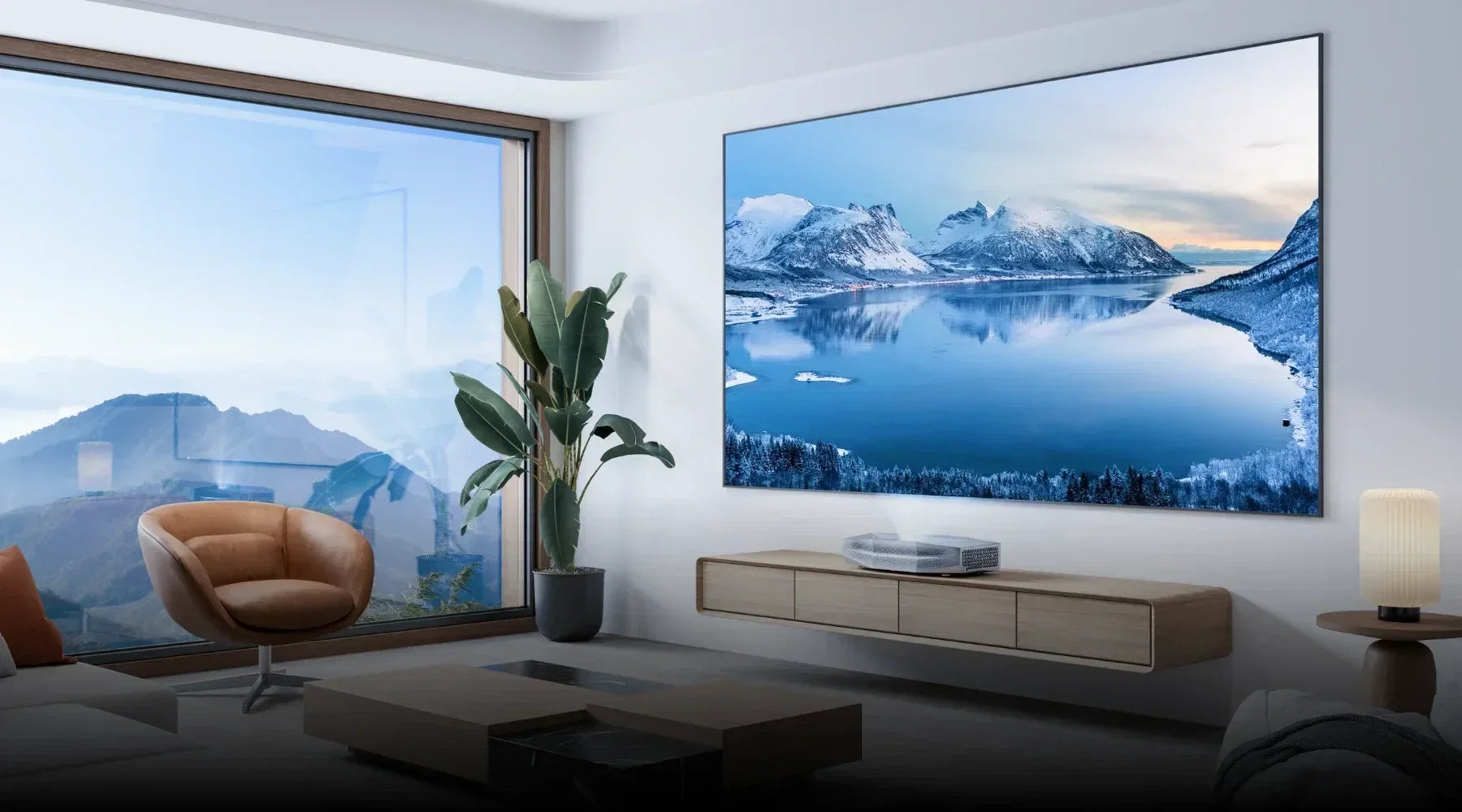








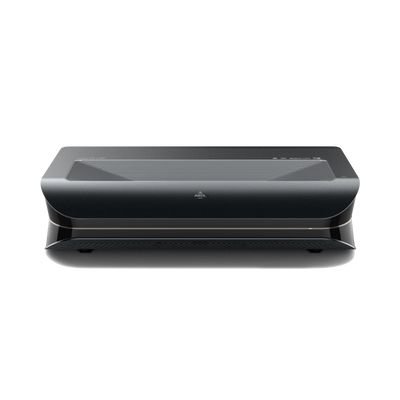
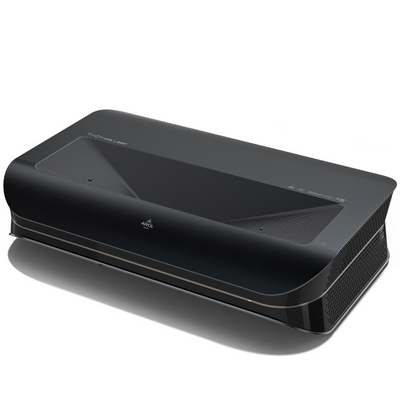


A good picture alone does not make a home theater. Speakers for projectors should match the room, the way you use it, and above all the audio outputs of your projector. For a simple living room setup, a soundbar is often enough; active stereo or 2.1 speakers provide more spaciousness, while a surround system delivers the most immersive experience for films and games. What matters is that the projector, source, and sound system share a common connection.
Which speakers suit your projector?
Before comparing individual models, clarify two questions: Should the system stay permanently in the home theater, or will it be used flexibly? And do you want only more intelligible dialogue or true surround sound?
| Solution | Best suited for | Strength | Possible limitation |
|---|---|---|---|
| Soundbar | Living room and easy installation | minimal space requirements, simple operation | limited stereo and surround width |
| Active stereo or 2.1 speakers | music, films, and gaming | wide soundstage, optional powerful bass | two placement spots and more cables |
| Surround system | fixed home theater | surround effects and precise localization | higher cost and more planning effort |
| Bluetooth speakers | garden cinema and mobile use | quick to set up, flexible | possible audio-visual delay |
Soundbar: the easy solution for the living room
A soundbar sits under or near the screen and keeps the setup tidy. It is especially suitable when dialogue clarity, everyday practicality, and fewer cables matter more than a precisely localized surround setup. Models with a separate subwoofer deliver more deep bass, but require an extra power outlet and a suitable placement spot.
Active stereo and 2.1 speakers: more width and better music quality
Active speakers already include an amplifier. If the connections match, they can therefore be connected directly to the projector, source device, or an audio adapter. Two speakers placed to the left and right of the screen create a wider soundstage than a compact soundbar. A 2.1 system adds a subwoofer and is a good middle ground for movie sound and music.
Passive speakers, on the other hand, always require an amplifier or AV receiver. That is more complex, but offers more choice and makes later expansion to a multichannel system easier.
Surround system: when the room should become part of the film
A 5.1 or Dolby Atmos-capable system distributes sound across front, center, surround, and bass channels; Atmos setups can include additional height channels. This is worthwhile in a dedicated room where speakers can be placed sensibly and calibrated at the listening position. Before buying, check which audio formats the projector, source device, and sound system can actually pass through or decode.
For an AWOL Vision UST setup, the AWOL GrandVista ThunderBeat speaker system is a possible coordinated solution: the 4.1.2 configuration uses wireless satellites and a subwoofer, is connected via a dongle including HDMI eARC/ARC, and supports Dolby Atmos. It is therefore aimed primarily at users who want a full surround system with reduced signal-cable effort.

Bluetooth speakers: flexible, but not always lip-sync accurate
Bluetooth is practical for a temporary garden cinema or a presentation. For a fixed home theater, you should test in advance whether picture and sound stay synchronized. The delay depends on the projector, speaker, codec, and internal correction. Even a small offset becomes noticeable quickly, especially in gaming and with dialogue. A wired connection is usually more reliable in that case.
Connecting speakers to the projector: the best ways

The best signal path is not automatically “source to projector and then to speaker.” An AV receiver can, for example, distribute picture and sound centrally. So first check all outputs and inputs before buying cables.
HDMI ARC or eARC
HDMI ARC and eARC send the sound back through an HDMI cable from the projector to a compatible soundbar or AV receiver. eARC offers more bandwidth and can also transmit high-resolution multichannel formats if all devices and content involved support it. The detailed article explains which requirements apply HDMI eARC explains.
How to set up the connection:
- Connect the HDMI ports explicitly labeled ARC or eARC.
- Activate ARC/eARC and, if necessary, HDMI-CEC in the device settings.
- Select the appropriate TV/ARC input on the sound system.
- Set the supported audio format in the projector and test both speech and multichannel sound.
Optical output and 3.5 mm jack
An optical S/PDIF output is stable and resistant to electrical interference. However, which multichannel formats are transmitted depends on the devices. A 3.5 mm jack connection delivers analog stereo and works well with active speakers, but does not transmit discrete surround sound. Keep analog cables as short as possible to avoid hum and interference.
If the projector has no audio output
In this case, take the audio from the source device, route the signal through an AV receiver, or use an HDMI audio extractor. An extractor separates picture and sound; however, it must match the HDMI resolution, frame rate, HDR, and copy-protection version of your setup.
What to look for when buying speakers for a projector
Connections and signal path: First check the audio outputs of the projector and source device as well as the inputs of the speaker system. An existing HDMI port is not automatically ARC- or eARC-capable; the supported audio formats must also match.
Speaker type and use: For simple operation and minimal space requirements, a soundbar is often a good choice. Active speakers show their strength with music and stereo content, while a 2.1 or surround system offers more bass or surround effects.
Room and listening distance: Match the size, number, and power of the speakers to the room. In small living rooms, a stereo pair can sound more balanced than an oversized multichannel system; in a dedicated cinema room, you benefit more from separate channels.
Sound quality instead of wattage: Pay attention to clear dialogue, clean playback at normal listening levels, and an appropriate amount of bass. A subwoofer set too high can drown out voices and disturb adjacent rooms.
Latency, operation, and expandability: Test streaming, console, and TV content for lip-sync accuracy. Shared volume control, HDMI-CEC, and adjustable audio delay make everyday use easier. If you want to expand later, additional speakers or a subwoofer should be integrable.
Positioning speakers correctly

Front speakers should be placed as far as possible to the left and right of the screen and should be roughly aimed at the listening position. A soundbar sits centered below the image so voices appear to come visually from the center of the picture. Surround speakers belong to the sides or slightly behind the seating position, not directly at ear height next to the head. You can place the subwoofer more flexibly; test several positions, because room corners can greatly amplify bass.
Avoid hiding speakers behind a soundproof screen, in closed furniture, or directly on vibrating surfaces.
Quickly solve common sound problems
- No sound: Check the selected source, the audio output, and the ARC/eARC label. Then restart the devices in the order source, sound system, and projector.
- Picture and sound are out of sync: Temporarily disable Bluetooth, image enhancers, or unnecessary audio processing. Then use the lip-sync or audio-delay function of the sound system.
- Only stereo instead of surround: Check the audio track of the content, the source output setting, and the supported formats of the signal path. Depending on the device, “PCM” may be output as stereo; the correct setting depends on the model.
Conclusion: plan the signal path first, then buy speakers
The best speakers for projectors are not necessarily the largest, but the ones that fit technically and spatially. For simple living room setups, a soundbar is often ideal, active stereo or 2.1 speakers offer more width, and a surround system is worthwhile for a permanent home theater. Check connections, formats, and placement spots together — then picture and sound stay in sync and the big image gets the soundscape it deserves.
Frequently asked questions about speakers for projectors
Which speakers are best suited for a projector?
That depends on the room and how it is used. A soundbar is suitable for living rooms and easy installation. Active speakers provide wide stereo playback for films and music. For stronger bass, a 2.1 system is an option, while separate front, center, and surround speakers create the most spacious sound in a home theater.
How can I connect external speakers to a projector?
Possible connections include HDMI ARC or eARC, an optical digital output, a 3.5 mm jack, or Bluetooth. Alternatively, the audio signal can be taken directly from the streaming device, game console, or AV receiver. What matters is which audio outputs the projector has and which inputs the speaker system has.
Can Bluetooth speakers be connected to any projector?
No. The projector must be able to transmit Bluetooth audio; a pure Bluetooth receiving function is not enough. Check the projector's technical specifications and audio menu. With films and games, Bluetooth can also cause an audible delay between picture and sound. If no A/V synchronization is available, a cable connection is usually more reliable.
What can I do if the projector has no audio output?
Take the audio directly from the source device or route picture and sound through an AV receiver first. If there is only one HDMI output, a compatible HDMI audio extractor can separate the audio signal from the video signal. The extractor must match the resolution, frame rate, HDR, and copy-protection version being used.
Why is there no sound despite connected speakers?
First check the selected audio output device, the volume, and whether mute is enabled. Then check whether the cable is plugged into the correct ARC, eARC, audio-out, or optical port. An unsupported audio format can also prevent playback. As a test, set the audio output to PCM or stereo. If using a computer, the correct output device must also be selected.
Do passive speakers need an AV receiver for a projector?
Passive speakers always need an amplifier, since they cannot amplify the audio signal themselves. For a multichannel home theater, an AV receiver usually handles this task. Active speakers and soundbars, on the other hand, have a built-in amplifier and can, with suitable connections, be connected directly to the projector or source device.