



You’ve invested in a fantastic projector to finally bring a real movie-theater feel into your home. But now you’re facing the next challenge: the screen.
It can be frustrating. You find yourself facing a jungle of technical terms like "gain factor," "ALR," "tension," and "UST." Prices range from under €100 to several thousand euros. So where do you start? And maybe white woodchip wallpaper really is enough after all?
This guide is your roadmap. We will lead you step by step from this confusion to a clear decision. We will decode the jargon and show you how to find a canvas, which gets the full potential out of your projector and fits your room perfectly. If you have not yet chosen the projector itself, you should first determine which brightness, resolution, light source, and projection type you need. Our Projector Buying Guide for your home theater offers you a comprehensive decision-making guide for this.
Here is a quick overview to help you grasp the main differences at a glance. Details on each point can be found further down in the article.
Quick overview: The 4 most important canvas types compared
|
Canvas type |
Ideal for... |
Site plan (image quality) |
Price category |
|
Framed projection screen |
Dedicated home theaters (permanent installation) |
Perfect (Always taut) |
Medium - High |
|
Roller screen (manual) |
Occasional use & small budgets |
Low (Prone to ripples & wrinkles) |
Small |
|
Motorized screen (Tension) |
High-quality living room (retracts at the touch of a button) |
Very good (Thanks to lateral rope tension) |
High |
|
Special Canvas (UST-ALR) |
Bright living rooms with laser TVs (UST projectors) |
Excellent (Actively filters stray light) |
High - Very High |
More than just a white wall: Why a screen is indispensable

Let's start with the most common question: "Wouldn't a smooth, white wall do the trick as well?"
In short: no, if you care about image quality. Even the smoothest wall has a texture that scatters light uncontrollably. Woodchip wallpaper is even more problematic. The result: colors look washed out, details blur (especially at a high 4K resolution) and the black level is more of a murky gray.
The most important, often overlooked factor is the Flatness. A screen is designed to provide a perfectly flat surface. Folds, ripples, or "ears" (curling edges), as often occur with inexpensive solutions, distort the image geometry and make fine details appear blurry.
Dedicated screen material is a specially developed optical surface that reflects light precisely, maximizes contrast, and reproduces colors as the director intended.
The 4 main types of canvas: Which one is right for you?
The first big decision concerns the design. This depends almost entirely on your room and how you plan to use it.
Type 1: Fixed Frame Screen (The permanent home cinema solution)
A fixed-frame screen is like a painting that is mounted permanently on the wall. The fabric is permanently stretched over a rigid frame.
- Benefits: Offers the best possible, permanently perfect flatness. Often equipped with a black velvet frame that absorbs stray light and increases perceived contrast.
- Disadvantages: It is always visible and permanently takes up wall space.
- Ideal for: Dedicated home cinema rooms where the screen can be a central design element.
Type 2: Roller Screen (The flexible classic)
This is the classic canvas that is manually pulled down from a box on the ceiling or wall.
- Benefits: Completely disappears when not in use, leaves the wall clear, and is usually the most affordable option.
- Disadvantages: Strong tendency to develop waves and curling edges ("ears") over time. This lack of flatness significantly impairs image sharpness.
- Ideal for: Occasional use, conference rooms, or budgets where price is more important than perfect image quality.
Type 3: Motorized screen (Convenience meets integration)

Similar to a pull-down screen, this one extends at the push of a button (remote control or trigger). High-quality motorized screens are often "tension" or "cable-tension" screens.
- Advantages: Very high comfort. Tension systems use side cables to actively pull the fabric taut, ensuring much better flatness than normal roller blinds.
- Disadvantages: Needs a power connection, more expensive than manual versions.
- Ideal for: High-quality living room home cinemas where the screen is to be integrated invisibly, without compromising on flatness.
Particularly innovative models are so-called Floor screens (floor-rising), which, when needed, rise up from a slim box standing on the floor. This is ideal when ceiling or wall mounting is not possible.
Type 4: Tripod & portable screens (For on the go)
These canvases are designed for transport.
- Benefits: Maximally portable for presentations or a movie night in the garden.
- Disadvantages: Poor stability and often the worst flatness.
- Ideal for: Anything except a serious home theater setup.
Understanding Screen Fabric: Gain, Color, and Contrast
After you have chosen the design, the most important part comes next: the fabric. This is what determines how good your picture really looks.
What is the gain factor? (And why 1.0 is often perfect)
The gain factor (luminance factor) measures how strongly a screen reflects light compared to a standardised white reference surface.
- 1.0 (Matte White): This is the universal standard. The screen reflects light evenly in all directions (wide viewing angle) and has neutral color. In a darkened room, this is often the best choice.
- >1.0 (High-Gain): Amplifies the light and makes the image brighter. The drawback: the viewing angle becomes smaller and "hotspots" (visibly brighter spots) can occur.
- <1.0 (Gray/Contrast): These fabrics "absorb" light to improve black levels. They are a good compromise for living rooms with slight ambient light.
White, Grey or Black? The Fabric Colour and Your Room
- White cloths (Gain 1.0 - 1.2): The first choice for dedicated, completely darkened home theaters. Here they can realize their full potential in color accuracy and brightness, which is especially important for content in HDR in Home Theater is crucial.
- Grey cloths (Gain <1.0): These "contrast screens" are the classic trick for living rooms. They absorb some of the ambient light and improve black levels, since "black" on a screen is only the absence of light.
The Revolution in the Living Room: ALR & CLR Contrast Screens
For most people, a completely dark "home theater basement" isn't an option. We want to watch in the living room, in dim lighting or even during the day. This is where modern technologies come into play.
The problem: ambient light is the enemy of contrast
Stray light from windows (side) or ceiling lights (above) hits the screen and brightens the entire image. Contrast collapses, and the picture looks dull and washed out.
The Solution: ALR (Ambient Light Rejecting) Screens
ALR screens are a technological masterpiece. They are no longer passive reflectors, but active optical filters.
They feature a special surface structure (e.g. microscopically small lamellae or lenses) designed to actively redirect ambient light from above or the sides to reject or too absorbAt the same time, the light coming from the projector is directed specifically toward the viewer reflected.
The result: An amazingly high-contrast, vivid, TV-like picture — and a real answer to the Projector-or-TV-Question.
Special case: Why short-throw & laser projectors (UST) need special screens

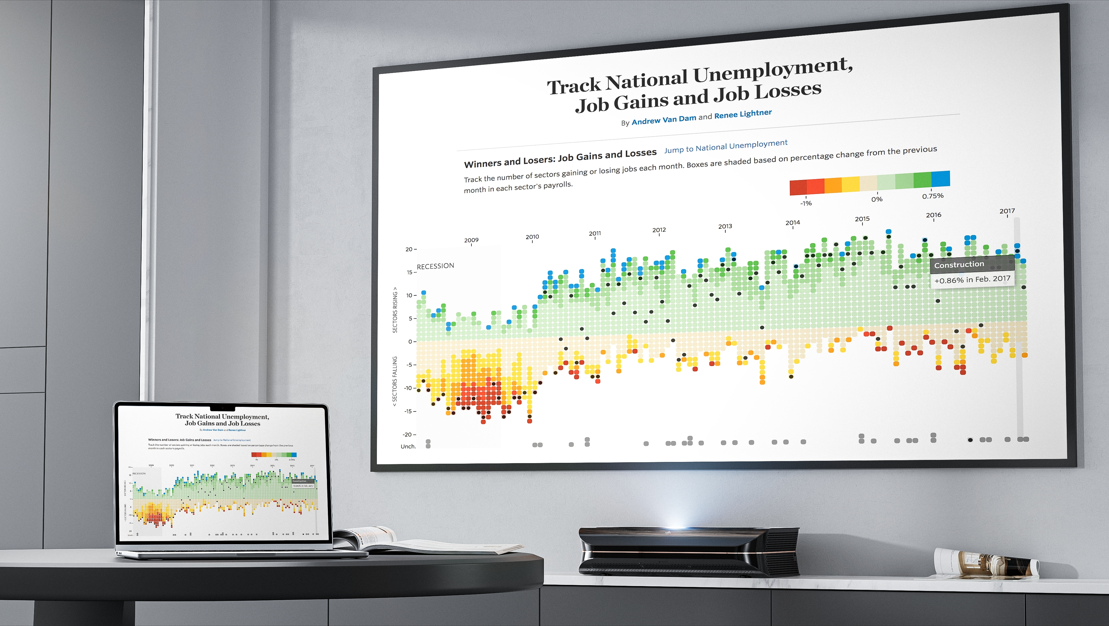
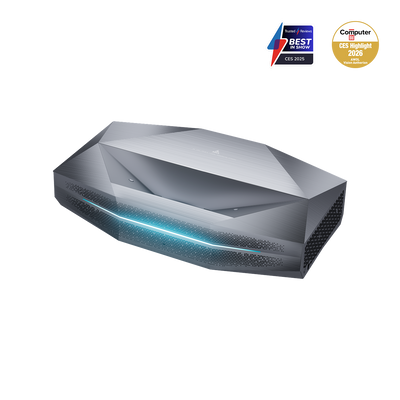
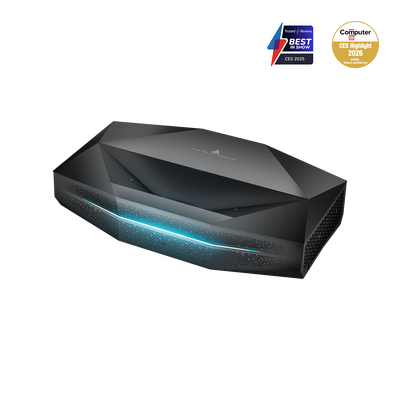
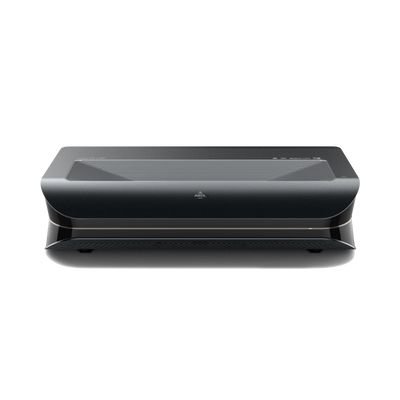
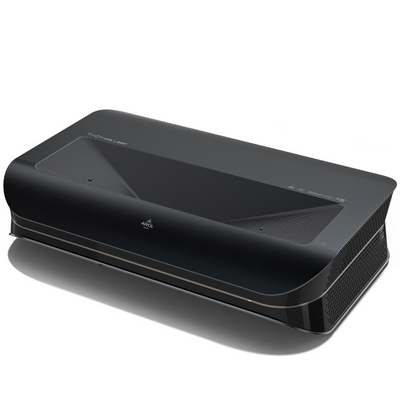
A trend in home cinema is Ultra-short-throw projector (UST), also called "laser TVs". These devices stand directly in front of the wall (or on a lowboard) and project the image upward from an extremely steep angle.
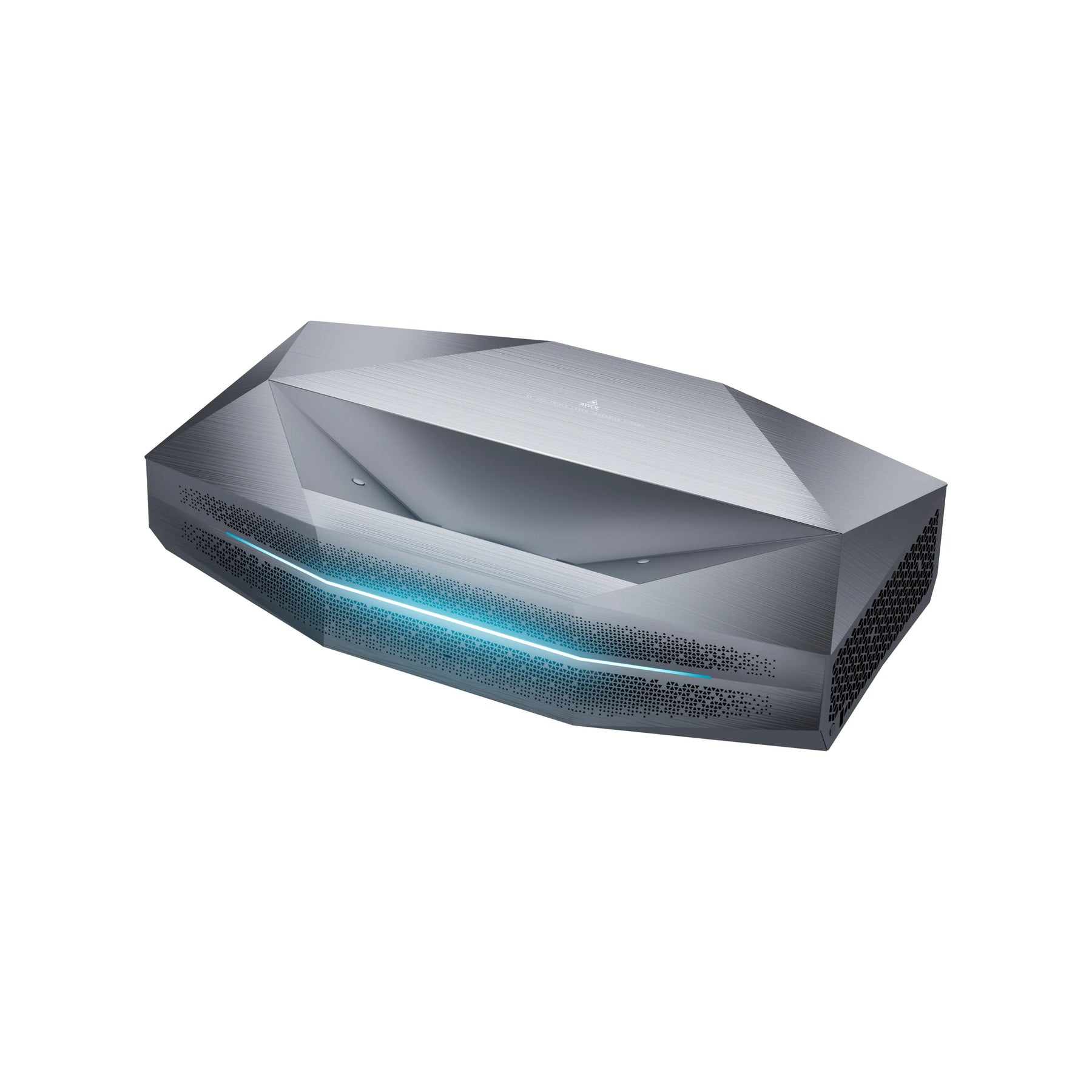
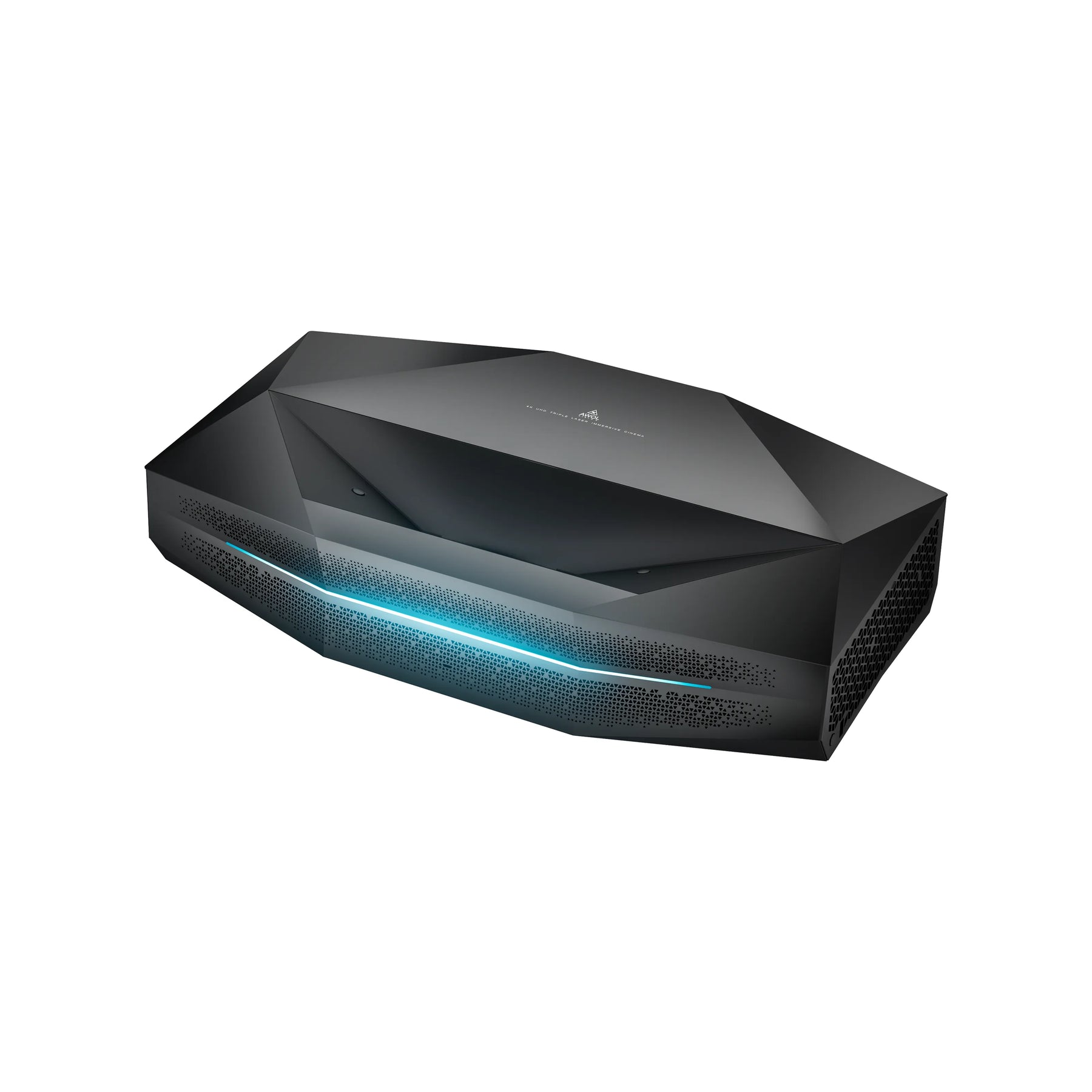
This presents a particular challenge that many buyers overlook.
The problem of the shallow angle
If you point a UST projector at a normal, matte-white screen, it will largely just reflect the light upward toward the ceiling — away from your eyes. If you point it at a standard ALR screen, it will also block the light, as it is designed to interpret light from "below" (the projector) as ambient light.
The compelling solution: CLR & special UST ALR screens
For UST projectors, you absolutely need a screen optimized for this shallow angle. They are often called CLR (Ceiling Light Rejecting) or simply UST-ALR.
These screens use a special, usually lenticular or Fresnel-based microstructure. It is designed to block light from above (ceiling lights) while capturing the steeply upward light from the UST projector and directing it precisely horizontally toward the viewer's eyes.
For example, these are AWOL Vision Cinematic ALR or Fresnel Daylight ALR Screens specifically designed to precisely capture the light from a projector positioned below it and absorb stray light from above or from the sides. This enables a brilliant image in daylight.
Important note: Using a standard screen with an expensive UST projector leads to a massive loss of quality. If you're wondering whether it's worth a 4K projector is worth it, the answer is: Yes, but only with the right canvas.
Checkliste: The right canvas in 4 steps
Still feeling overwhelmed? Use this checklist to quickly narrow down your selection.
Step 1: Where is your projector located?
- Standard projector (stands at the back or hangs from the ceiling): You are free to choose. Proceed to step 2.
- Ultra-short-throw projector (placed at the front on a lowboard): Your choice is simple: you absolutely need a CLR / UST-ALR screen.
Step 2: How bright is your room?
- Dedicated, dark home cinema: A matte white screen (Gain 1.0) is perfect and often the least expensive.
- Bright living room (with diffused light): You absolutely need an ALR screen (for standard projectors) or a CLR/UST-ALR screen (for UST projectors).
Step 3: How much space do you have? (Format & Size)
- Format: For films, series, and modern gaming, it is 16:9 the universal standard. (Older formats like 4:3 are for business presentations, 21:9 is for absolute cinema purists).
- Size: A good rule of thumb for a cinematic (immersive) experience: Viewing distance (in cm) / 1.5 = Optimal screen width (in cm). (Or use a calculator to get the exact Calculate canvas size).
Step 4: Permanent or invisible? (Choose design)
- Can the canvas stay hanging all the time? -> Choose one Framed projection screen for the best sheet position.
- Does the wall have to remain clear? -> Select a high-quality Motorized screen, ideally with a tension system (rope tension).
- No wall or ceiling mounting possible? -> For maximum flexibility in the living room, there are also motorized floor screens, such as the AWOL Vision Cinematic+ ALR Motorized Screen, which extend from a slim box when needed.
Conclusion: A canvas is an investment, not an expense
The choice of screen is just as important as the choice of projector. It is the component that turns the projected light into an image.
Don't cut corners. The best canvas is always the one that exactly suits your Room (light/dark) and your Projector (standard/UST) fits. A modern contrast screen (ALR/CLR) may seem expensive at first glance, but it is the decisive factor that turns a good projector into a true, TV-bright cinema experience — exactly where you live: in your living room.
Frequently Asked Questions
What works as a projector screen?
Best suited is a dedicated projector screen, as its surface (fabric) and flatness are optimized for light reflection. A smooth wall painted matte white is a stopgap solution, but woodchip wallpaper is unsuitable due to its uneven texture.
Which type of screen is best suited for a projector?
The choice depends on the room and the projector. In a completely dark room, a matte white fixed-frame screen (Gain 1.0) is often ideal. In a bright living room, an ALR contrast screen (Ambient Light Rejecting) is the best choice. For ultra-short-throw projectors (UST), a special CLR/UST-ALR screen is absolutely essential.
What size should a screen be for a projector?
That depends on your viewing distance. A common rule of thumb for home theater immersion is: divide your viewing distance (in cm) by 1.5 to get the recommended screen width (in cm). For a detailed calculation, read how to calculate your screen size.
Do I need a special screen for a laser projector?
Not for every laser projector. However, if it is an ultra-short-throw (UST) laser projector (laser TV), the answer is: Yes, absolutely. You need a special CLR or UST ALR screen designed for the extremely steep projection angle. Our ultra-short-throw projector guide explains this in detail.